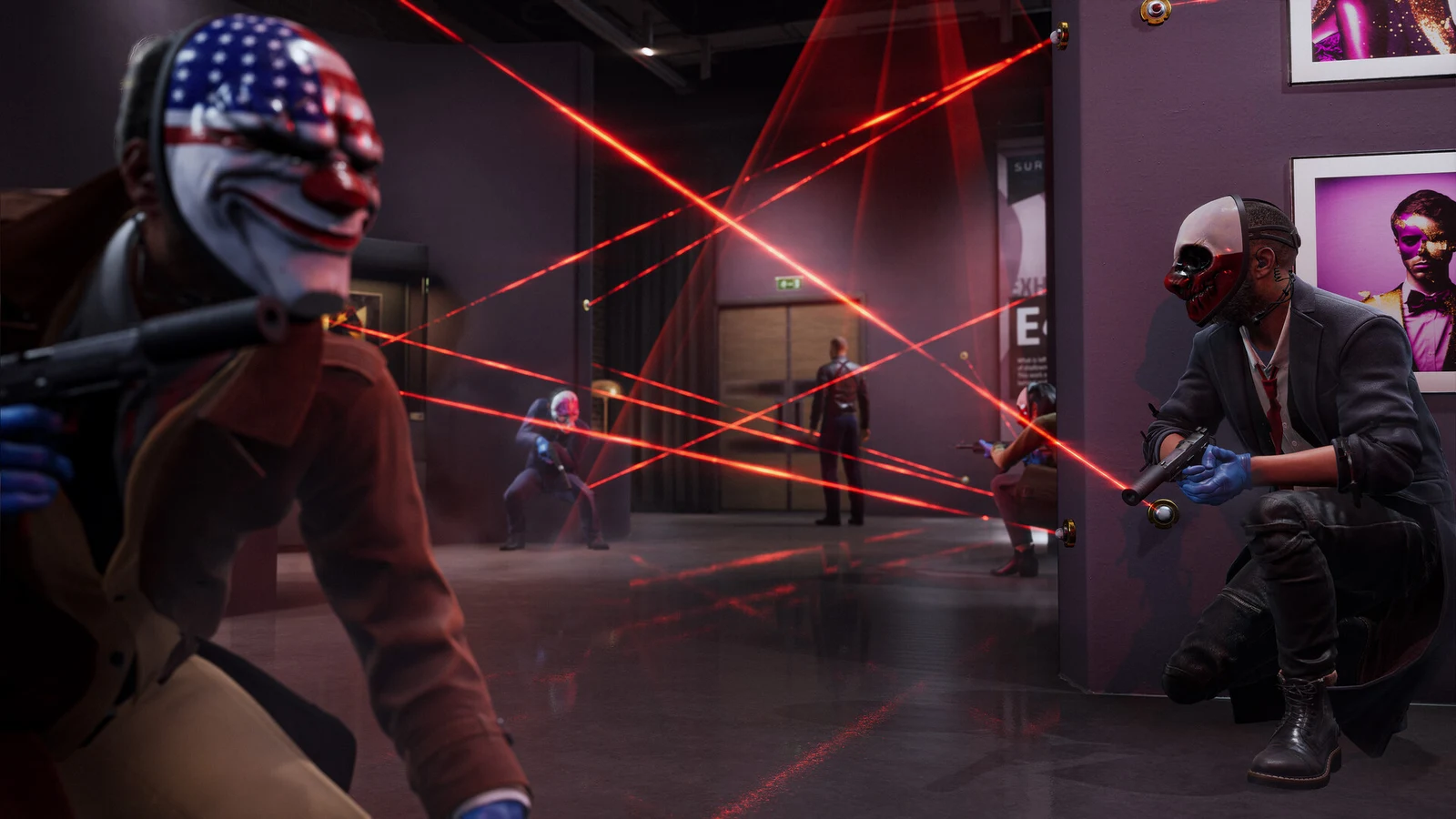
PAYDAY 3 update 3.11 narrowed the FPS gap between solo play and hosting an online heist. If your camera still hitches when the crew joins, keep your graphics settings where they are for one more run. Have a friend host the same heist and capture both runs on your PC.
What changed for online hosts?
The 24 November update identifies Online Host as the mode that gained performance. The notes give no FPS figure or test configuration. The 26 November hotfix, 3.11.1, addressed crashes involving mines, sentries, item claims and startup. The hosting improvement belongs to 3.11.
In a player-hosted game, the host PC can spend CPU time advancing the shared world and sending updates to the crew while it draws the host's own view. A joining PC receives those updates and draws its own view. Solo play removes the need to exchange updates with other players. That gives you a reason to test each role separately, although the patch notes leave the precise optimisation unspecified.
Compare three runs on the same PC
Pick a heist with a room you can defend through the first assault. Keep the build, difficulty, Risks, route, resolution, upscaling and frame cap fixed. Use the same capture tool and warm up the heist before recording. For each role, record a quiet approach and a separate 30-second window starting when the first assault reaches the room.
- Play solo to establish how your PC handles that room and camera angle with no other players connected.
- Host online. Invite the same friend you will join later. Agree on positions and an objective so you both see roughly the same fight each time.
- Have your friend host. Join as a client and take your original position. Keep recording on your PC. Repeat the pair of online runs in reverse order and note any unusually light or heavy wave.
Crew size affects HEAT decay, so the solo assault can unfold differently. The host and client runs with the same two players give the cleaner comparison. Judge a role difference against the spread between repeats. If one run ends in a regroup halfway through the capture, repeat that window.
Read the frame times alongside the network traffic
For each window, log average FPS and the 1% low from the same analysis tool. The average describes the whole sample, while the low helps flag slow frames during the assault. A PresentMon capture can also show the interval between frames on the CPU in milliseconds. Compare its spikes with CPU Busy and GPU Busy, which track time spent working on each frame. The interval alone includes waiting.
Alongside the capture, watch send and receive rates for the game in Windows Resource Monitor's Network tab. Note the time of any camera hitch or teammate snapping across the room, plus ping or packet loss if available. A higher send rate tells you more data went out. It takes a separate latency or loss reading to implicate the connection.
If the host repeatedly shows worse 1% lows and longer CPU busy times during the assault, try letting the friend host for a full heist. If all three roles slow down in the same room and GPU busy time rises, lower render resolution for one repeat and compare. If the camera stays smooth while teammates jump between positions, check connection quality on both ends.
Why High FPS Can Still Feel Laggy
When the hitch follows an online player between hosts, compare that player's ping and loss during a quiet stretch and during the hitch. Record whether anyone else in the crew sees it at the same moment.
How to Fix Packet Loss and High Ping in Any Online Game
FAQ
The changelog specifies a smaller gap between Solo and Online Host and gives no percentage. Runs on your current build can measure the gap that remains. Measuring the gain from the update itself requires comparable captures from before and after it.
Switching hosts keeps the same human crew in the fight. Solo changes the crew composition as well as the network workload, and crew size affects how long HEAT lasts before it starts to decay.
Look at the 1% low and the frame-time trace just as the assault reaches your position. Repeated spikes that coincide with a camera hitch warrant a host swap. If frame delivery stays steady while a teammate's position jumps, compare network readings from both players.