
Optimize your PC for gaming
Unlock your PC’s full potential with better FPS, smoother frame times, improved hit registration, and reduced latency.
Why Gamers Choose HD OPTI
Whether you want more frames, less lag, or better hit reg. HD OPTI is built to help you perform better, faster.
FPS Boost
Boost FPS and unlock smoother gameplay by automatically optimizing your PC’s OS, background processes, and performance settings. Maximize every frame for a competitive edge.
Lower Latency
Reduce system latency and input lag with advanced optimizations designed for real-time responsiveness. Experience lightning-fast reactions and a smoother gaming experience.
Better Hit Reg
Improve online gaming performance with network enhancements that stabilize your connection, reduce jitter, and ensure better hit registration in every match.
Ease of Use
Enjoy a clean, intuitive interface built for gamers of all levels. With one-click optimizations and intelligent automation, HD OPTI makes pro-level performance accessible to everyone.
HD OPTI In Action
Real Performance. Real Results.
Everything You Need to Play at Your Peak
HD OPTI includes powerful modules designed to eliminate lag, boost FPS, reduce input delay, and optimize your system from top to bottom.

PC Specs
Easily view your system specifications, identify bottlenecks, and monitor improvements.

Quality of Life
Streamline your Windows experience with features that enhance usability and productivity.

Windows Optimization
Custom settings to optimize Windows for faster performance, stability, and overall efficiency.

GPU Optimization
Adjust GPU settings based on your graphics card (NVIDIA, AMD) for peak visual performance.

Game Configs
Apply competitive game settings to maximize FPS, reduce latency, and gain an edge.

Network Optimization
Enhance your internet connection to reduce lag, lower ping, and increase online stability.

Controller / KBM
Optimize controller or keyboard/mouse input for responsive, precise control.

Clean-up / Health Check
Clear junk files, background clutter, and keep your PC stable with health tools.
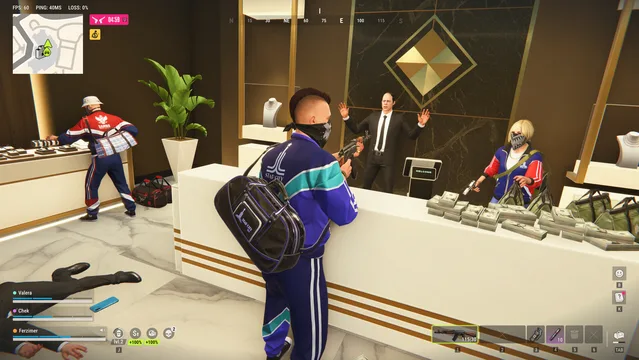
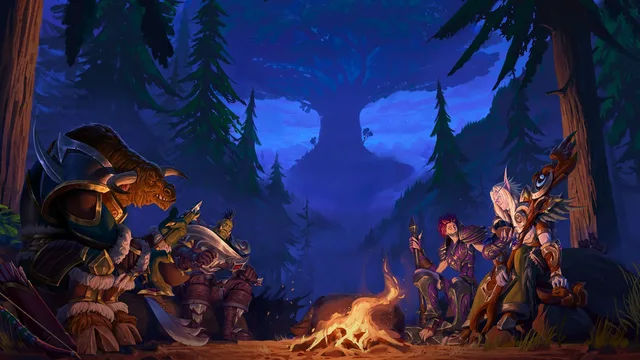
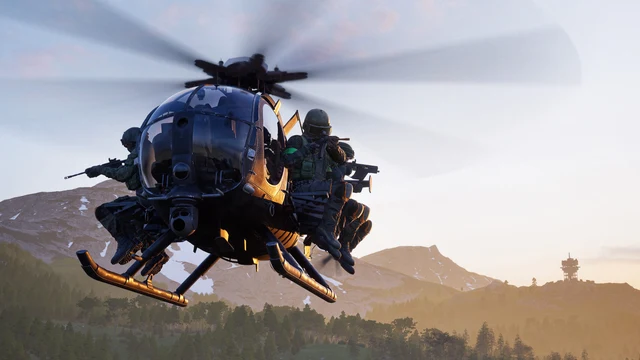
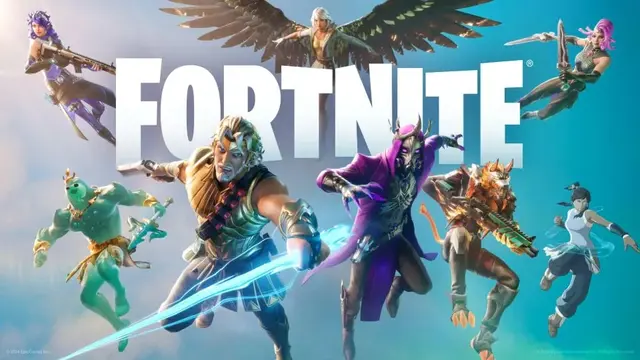
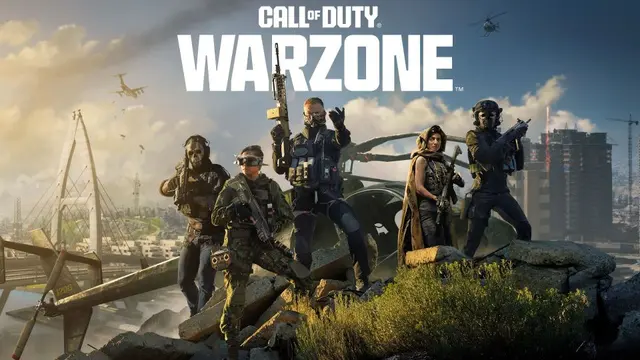
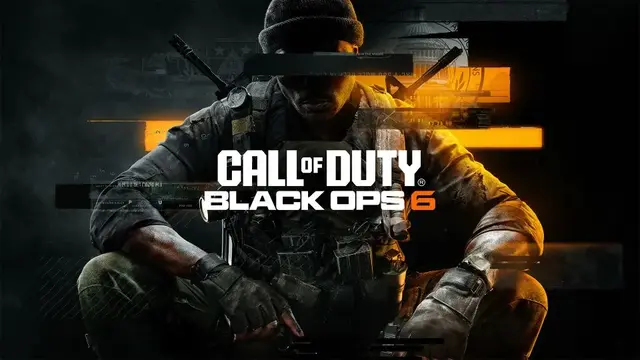
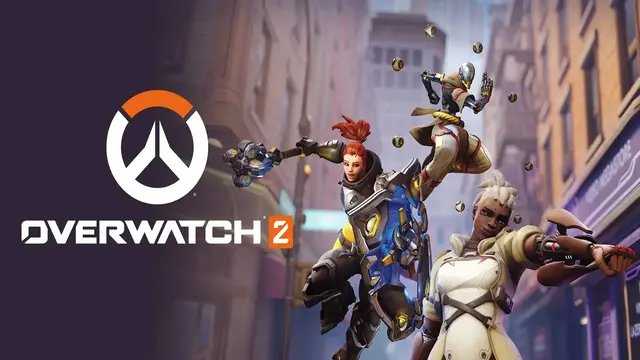
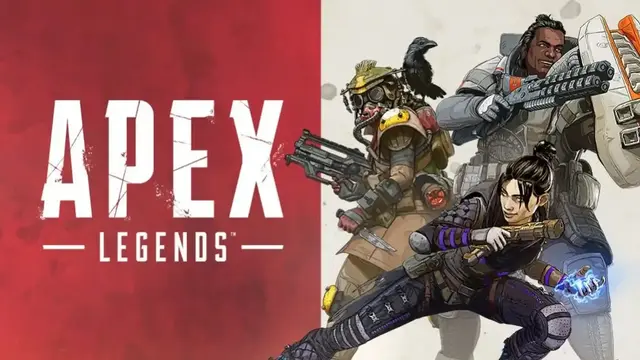
Included Game Configs
Apply HD OPTI game-specific PC optimization profiles designed to reduce stutter, improve FPS stability, lower input delay, and deliver smoother performance across supported games.









Customer testimonials
Real feedback from gamers using HD OPTI.
Featured Partners
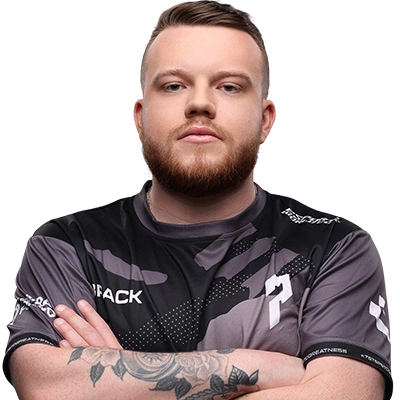
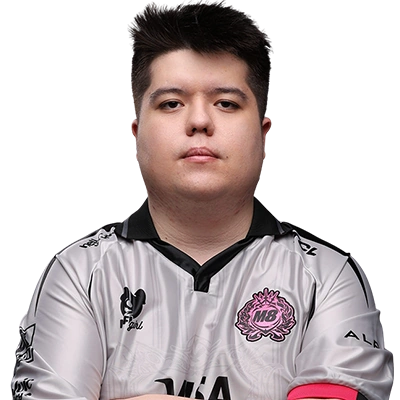
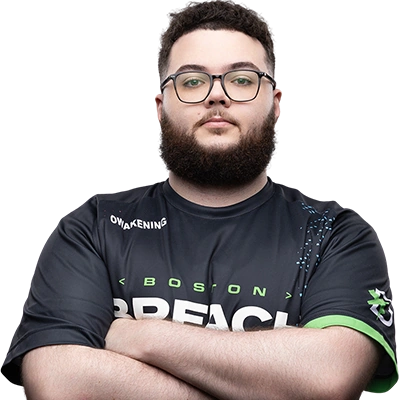
Players, Creators and organisations who back HD OPTI.



Latest HD OPTI APP NEWS and PATCH NOTES
Stay up to date with the latest HD OPTI updates, feature improvements, and performance enhancements.
Latest Patch Notes
Stream Overlays for OBS & Streamlabs Desktop
Build and preview custom Stream Overlays for OBS and Streamlabs Desktop, with three designs, custom colours and updates across scenes. Game Configs also has a refreshed default order.
- Build and preview a custom overlay in HD OPTI Lab → Stream Overlays, then add it directly to your streaming scene. You can also open the editor from the dashboard or Game Mode.
- Three overlay designs. Choose Classic for soft nebula edges, Minimal for subtle corner branding, or Creator Strip to highlight a creator code and discount.
- Customise your look. Adjust accent colours and corner positions, show or hide the Game Mode badge, and preview changes over gameplay before adding the overlay to your scene.
- Simpler stream setup. Choose a scene in OBS or Streamlabs Desktop and HD OPTI fits the overlay to your canvas. OBS connection details are remembered securely on your PC for next time.
- Update once across scenes. Save changes to a design and every scene using it picks them up. Your overlay keeps working after you close HD OPTI.
- Game Configs also has a refreshed default order, with MW4, Warzone, Fortnite, CS2 and WoW Forever now at the top of the library.
 v4.8.3.0Read the full notes
Performance starts here
Ready to Optimize your Gaming PC?
Buy HD OPTI now and unlock smoother gameplay, higher FPS, and better hit reg all in one click!
DOWNLOAD NOW!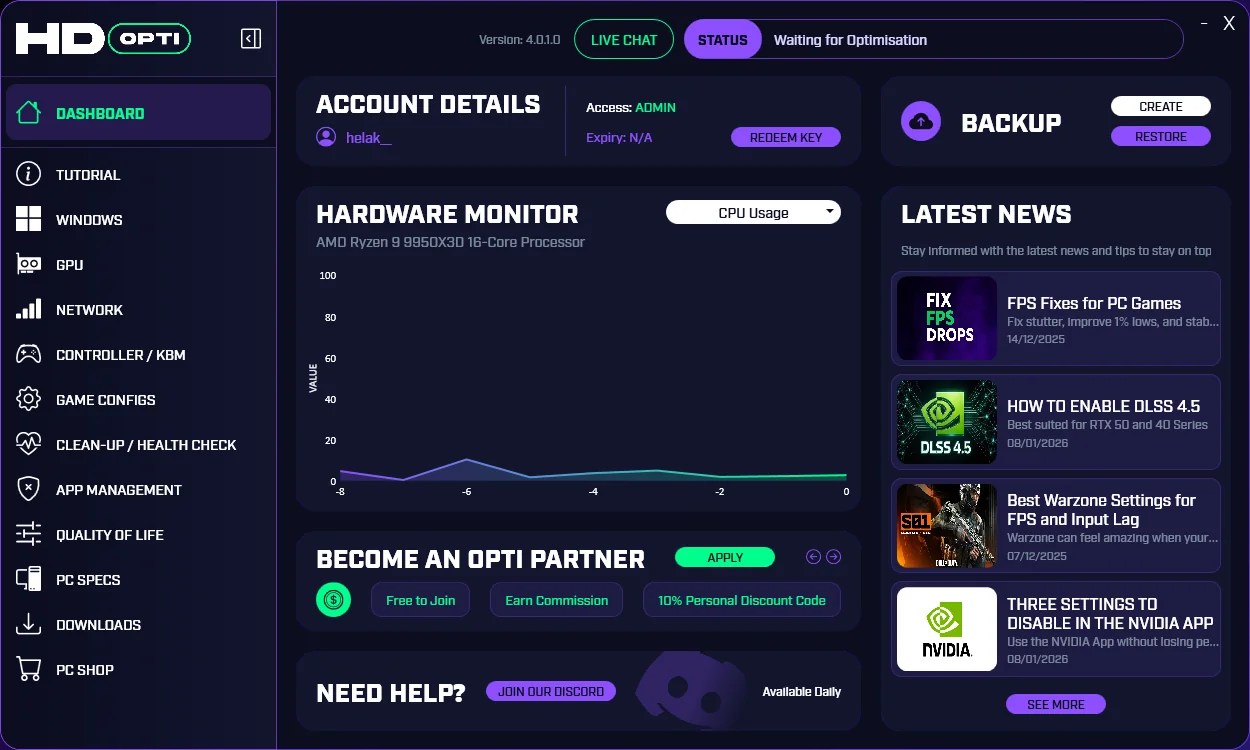
Frequently Asked Questions
Find answers to the most common questions about HD OPTI. Still need help? Join our Discord and a team member will help you out.