If Valor Mortis runs smoothly until a group of enemies starts chasing you, save that encounter before changing your graphics preset. The November 23 patch fixed some stutters caused by enemy navigation. Replaying the approach can help you find out whether lowering resolution makes that particular hitch any shorter.
What changed when enemies move
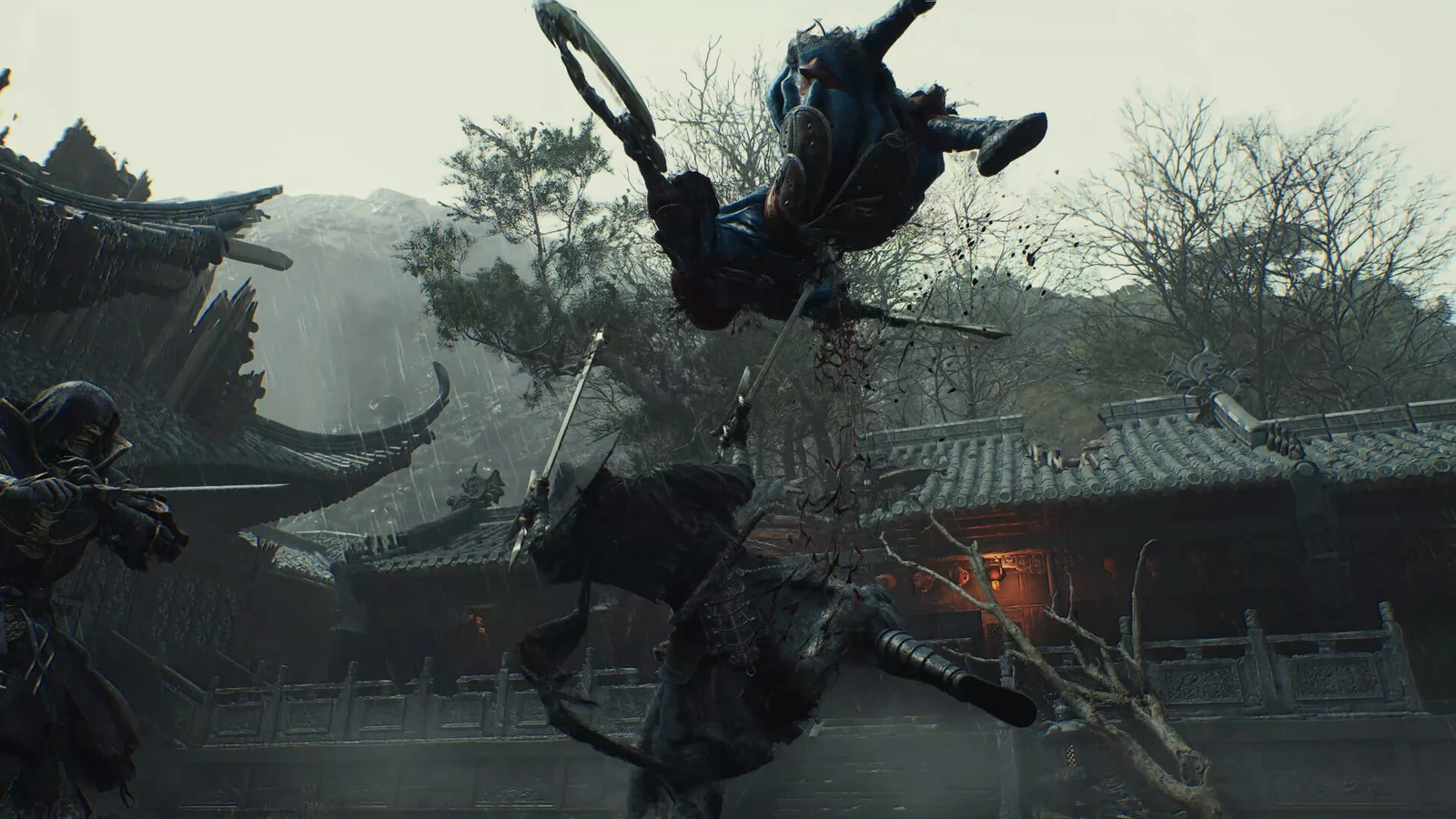
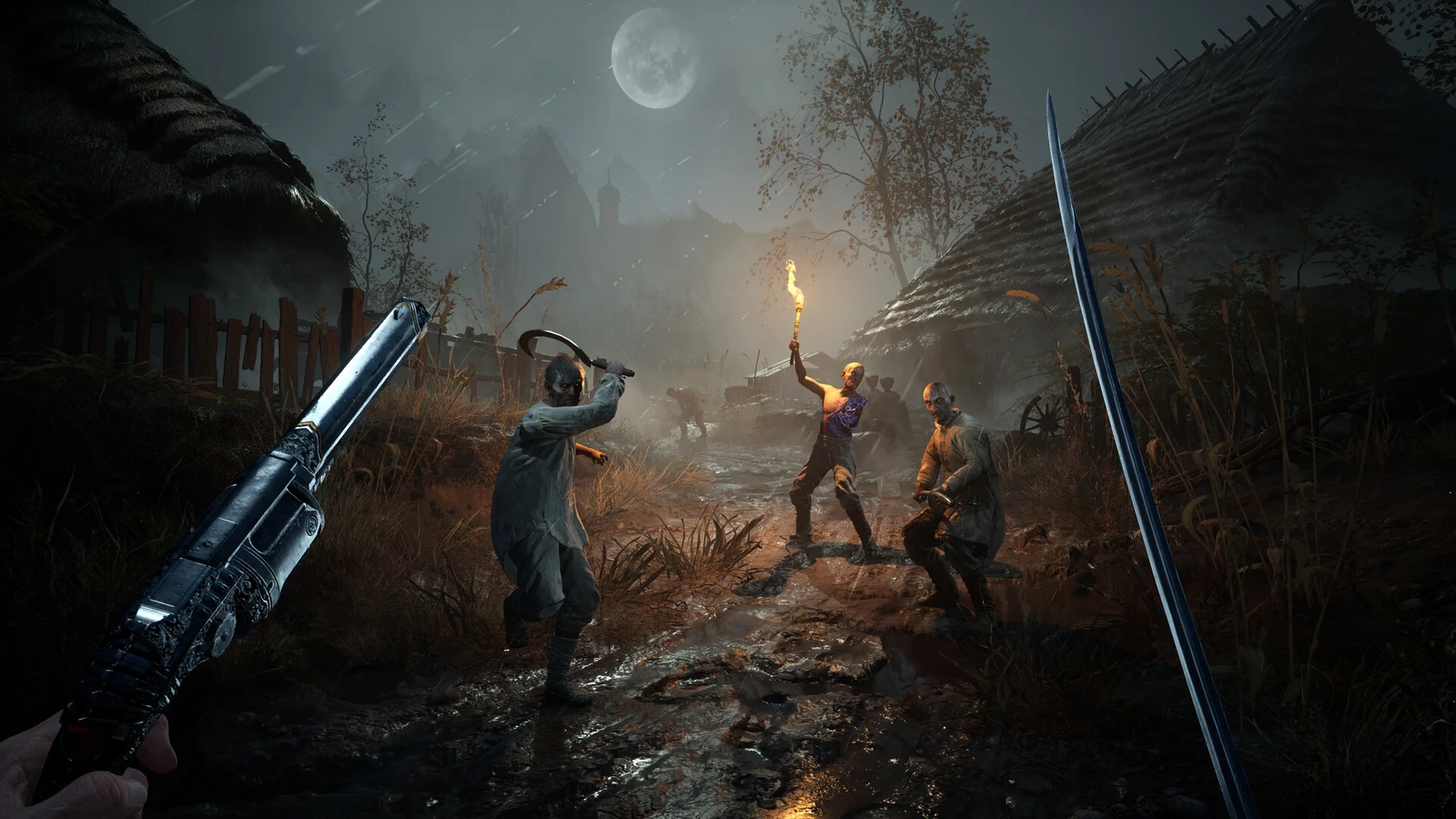
Pathfinding is the work of choosing a route for an enemy to reach a destination. The patch notes identify enemy navigation as a cause of some stutters. They give no breakdown of how much CPU time route selection took. A hitch when three enemies turn a corner is a good moment to investigate because you can see exactly when pursuit begins.
Location matters too. The update improved the floating river platforms in Chapter 6 and addressed stretches of Chapter 7 where performance could fall below 30 FPS. If a hitch happens on the same platform even with no enemies nearby, log the location separately from your combat test.
Time startup, then capture an encounter
Shader compilation now takes place at startup. Previously it could occur while loading a level or reloading one just after quitting. On a launch that shows shader preparation, time the wait from launch to the usable menu and note when preparation finishes. Then time the interval from selecting your save to regaining control. Reload that save and repeat. On a later launch with shaders already prepared, take the same two timings. This shows where you spend the wait on your current build. Measuring a patch improvement requires comparable timings from the older build.
- Choose a checkpoint with a quiet approach followed by a group you can draw into pursuit. Keep the build, driver, frame cap, camera direction and graphics settings fixed. Warm up the route once.
- Start a frame-time capture at the same landmark each run. Mark when the first enemy follows and when the rest join. Note how many actually follow. Repeat several times and keep any run with a different encounter pattern labelled separately.
- Compare the quiet and pursuit portions. Look at how often long frames occur and how many milliseconds they last. Record GPU use and CPU utilisation per logical processor alongside the trace. If your profiler exposes individual game threads, check whether the same thread becomes busier as pursuit begins.
A busy CPU thread coinciding with a long frame gives you a time window to investigate. Combat also changes animation, effects and the objects on screen. Identifying the function responsible would take an engine profile that labels the navigation work.
How to Identify a CPU Bottleneck in Modern Gaming
Does lowering resolution shorten the hitch?
Repeat the same encounter at a lower render resolution. Keep the other settings and enemy count as close as possible, then return to the original resolution for a final pass. If a frame cap holds both runs at the same average FPS, compare the frames that miss the cap during pursuit.
If those long frames consistently get shorter at lower resolution, rendering cost contributes in that scene. If the quiet stretch speeds up but the pursuit spikes stay the same, restore the sharper image and save both traces. That pattern makes CPU-side work worth investigating. The traces alone cannot identify pathfinding as the cause of a remaining spike.
GTA 6 FPS Explained: Why a Faster GPU May Hit a CPU Limit
FAQ
The developer fixed some navigation-related stalls without giving a frame-time target for every encounter. Check whether the hitch repeats when the same group begins to follow you, and record whether it also occurs on the quiet approach.
Total utilisation averages work across the processor. One busy game thread can delay a frame while other threads have capacity. Compare thread activity with the timing of the hitch and the response to lower resolution.
The notes describe drops below 30 FPS before the Chapter 7 improvements. They give no minimum for the updated chapter. A repeatable capture on your own route can show how often frames there take longer than roughly 33 milliseconds.