ARTICLES TO
BOOST PC PERFORMANCE
Explore in-depth guides on drivers, GPU tuning, Windows performance tweaks, and system updates. Everything you need to push higher FPS and lower latency.
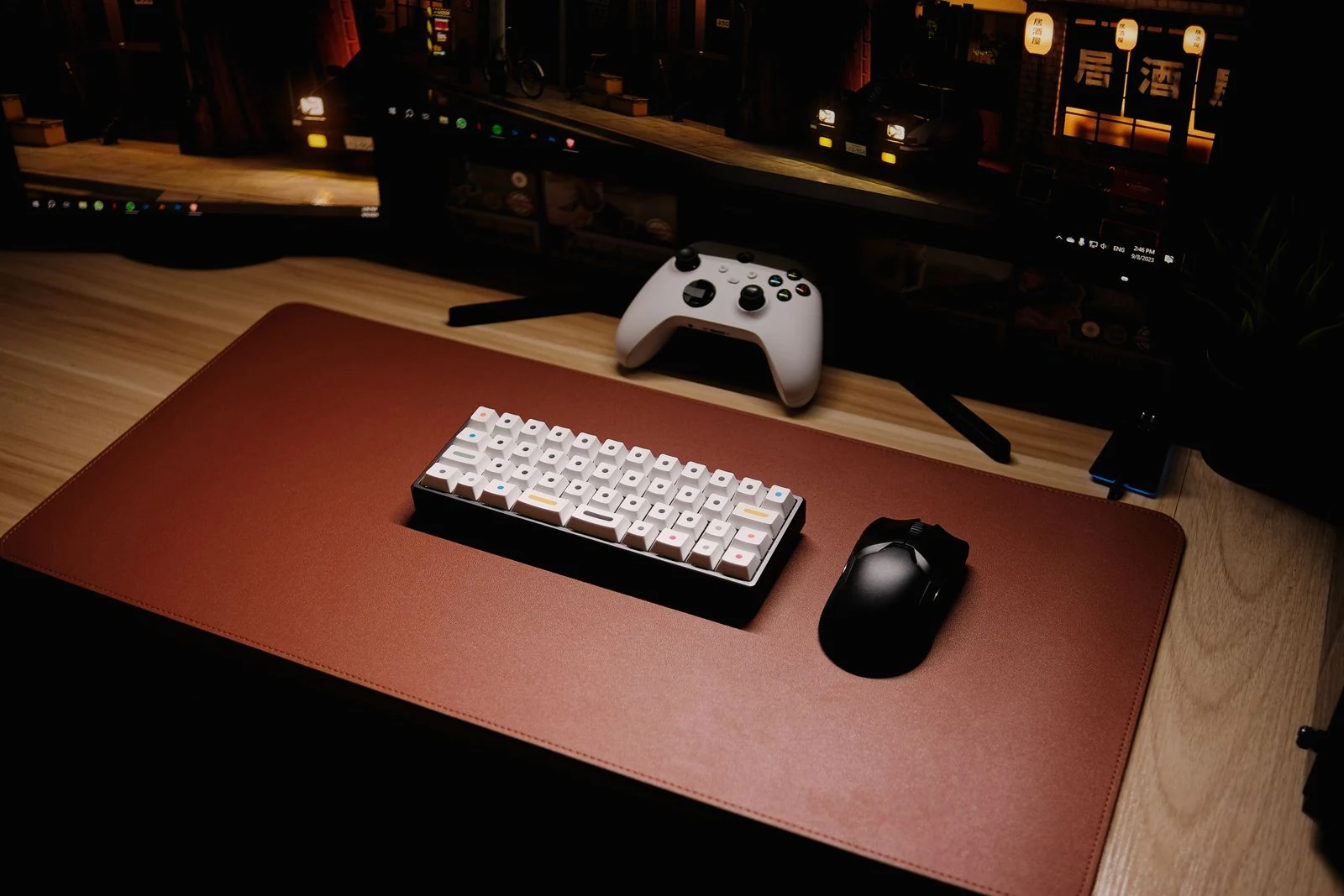
- Hall Effect vs TMR6 min read
Hall Effect vs TMR: The End of Stick Drift and the Future of Gaming Peripherals
Hall Effect and TMR are changing gaming peripherals by replacing friction-based potentiometers with contactless magnetic sensors. Here is how they stop stick drift, improve wireless efficiency, and where each technology makes the most sense.
- cpu bottleneck6 min read
How to Identify a CPU Bottleneck in Modern Gaming
Learn how to identify a CPU bottleneck in gaming using GPU usage, per-thread monitoring, GPU Busy, and frame time analysis instead of relying on misleading overall CPU usage.
- Windows 117 min read
Windows 11 vs Windows 10 Gaming Performance 2026: The Final FPS Verdict
Windows 11 25H2 now holds a measurable gaming lead over Windows 10 in modern AAA titles, especially on newer Ryzen systems. Here is what the benchmark data actually shows, where the gains come from, and how to optimise either OS for maximum FPS.
- pfsense5 min read
Stop the Lag: How to Fix pfSense Bufferbloat in Minutes
Learn how to fix bufferbloat in pfSense using limiters, FQ-CoDel, and a floating rule. This guide walks through the exact settings to reduce latency for gaming, VoIP, and busy home networks.
- windows process count optimization7 min read
The Process Count Myth: What Actually Slows Down Your Windows PC
A high Windows process count does not automatically mean poor performance. This guide explains why sleeping processes are usually harmless, why aggressive debloating can break your system, and how to use Cycles Delta and Context Switching Delta to find the background tasks that actually hurt FPS and responsiveness. Intro: Stop chasing an arbitrarily low process count. Real Windows performance tuning comes from identifying which processes are actively taxing the CPU, not from stripping the OS until it becomes unstable. This guide shows you how to use Process Explorer to spot heavy services, telemetry spikes, and tray apps that quietly damage frame times.
- DLSS 55 min read
DLSS 5 Explained: Nvidia’s Neural Rendering Could Change Game Lighting Forever
Nvidia DLSS 5 is a next-generation neural rendering technology designed to transform game lighting, shadows, reflections, and materials using AI. Here is what it does, how it works, what hardware it may need, and why it matters for both players and developers.
- fix game stuttering integrated wireless6 min read
How Integrated Wi-Fi and Bluetooth Can Cause Major Game Stuttering
Severe game hitching is not always a GPU or game engine problem. Faulty integrated Wi-Fi and Bluetooth hardware can create kernel-level IO failures that stall the CPU, tank GPU utilization, break USB reinitialization, and even stop Windows from shutting down properly.
- nvidia5 min read
How to Optimize NVIDIA Drivers for Better Performance and Privacy
Default NVIDIA driver installs often add extra services, telemetry, and helper processes most gamers do not need. This guide shows how to wipe the old install properly, rebuild the driver with only essential components, and verify that the extra background activity is gone.
- marathon season 1 best settings7 min read
Marathon Season 1 Best Settings Guide: Boost FPS, Visibility, and Stability
Optimize Marathon Season 1 for better FPS, lower stutter, less pop-in, and improved competitive visibility with the best graphics and upscaling settings. Intro: Marathon Season 1 can feel rough on PC when the wrong settings create stutter, input lag, pop-in, or blurry visuals. The best approach is not simply turning everything down. You need to identify whether your system is CPU-bound or GPU-bound, then adjust the settings that actually matter.
- CS2 Optimization3 min
CS2 Micro-Stutters on Ryzen CPUs and NVIDIA GPUs
The latest CS2 update introduced micro-stutters and frametime instability on Ryzen 7800X3D and other X3D CPUs paired with NVIDIA GPUs. After controlled testing, we identified a scheduler regression affecting high polling rate input devices and aggressive low-latency systems. This guide explains the cause and provides a verified BIOS, Windows, and NVIDIA fix.
- Ryzen7 minutes
Why Your X3D CPU Is not performing
Ryzen X3D CPUs like the 5800X3D, 7800X3D, and 7950X3D are built for gaming. If yours feels slow or performs below expectations, this guide explains the common causes and how to fix them.
- Intel4 minutes
How To Reduce Temps On Intel 12th, 13th, and 14th Gen CPUs
Intel 12th, 13th, and 14th Gen CPUs run hot, especially the 12900K, 13900K, and 14900K. This guide explains how to lower CPU temperatures with undervolting, power limits, airflow improvements, better cooling, and advanced options like delidding.