A slow camera pan can judder at a steady 60 FPS. A different game might run smoothly until you round a corner and new scenery appears. DXVK 3.2, released on 26 November 2026, changes both how frames reach the display and how game resources reach GPU memory. The symptom tells you which change to test first.
Confirm which renderer the game is using
DXVK translates Direct3D 8, 9, 10 and 11 calls into Vulkan. On a Wine or Proton setup, set the launch environment variable DXVK_HUD=version,devinfo,fps,frametimes,memory. Look for the DXVK version in the overlay and write down the GPU and driver. If the overlay is missing, verify the renderer before drawing conclusions about the update.
A steady FPS counter with an uneven pan
At 60 FPS, evenly spaced frames arrive about 16.7 milliseconds apart. An average of 60 can also include short gaps followed by long ones. Version 3.2 can use Vulkan presentation timing when DXVK limits the frame rate or emulates a lower fullscreen refresh rate on Wayland. That gives the software more control over when a finished frame appears.
Enable V-Sync and verify driver and compositor support. The documented paths are a recent Gamescope build with ENABLE_GAMESCOPE_WSI=1, or Wayland-enabled Proton on a compositor supporting commit-timing-v1. XWayland and Windows lack sufficient support for this feature in 3.2. A Wayland desktop alone does not establish that the game uses the required path.
For a game capped at 60 on a high-refresh display, try dxvk.maxFrameRate=60 in the game's dxvk.conf. Keep that cap, the display refresh rate and V-Sync identical across versions. Pan past the same row of windows at a steady speed. Record visible judder and, if your capture tool provides them, displayed-frame intervals. A rendering frame-time graph alone cannot establish when each frame appeared.
A hitch when entering a new area
When VRAM fills, DXVK has to decide which resources can give up space. Fragmentation can make it hard to fit the next allocation even when some memory is free. The 3.2 eviction changes aim to keep a chunk available and reduce repeated freeing and reallocating of small chunks under pressure. A similar peak VRAM reading can therefore accompany a smoother run.
How Game Optimisation Cuts VRAM Use: Lessons from Selaco
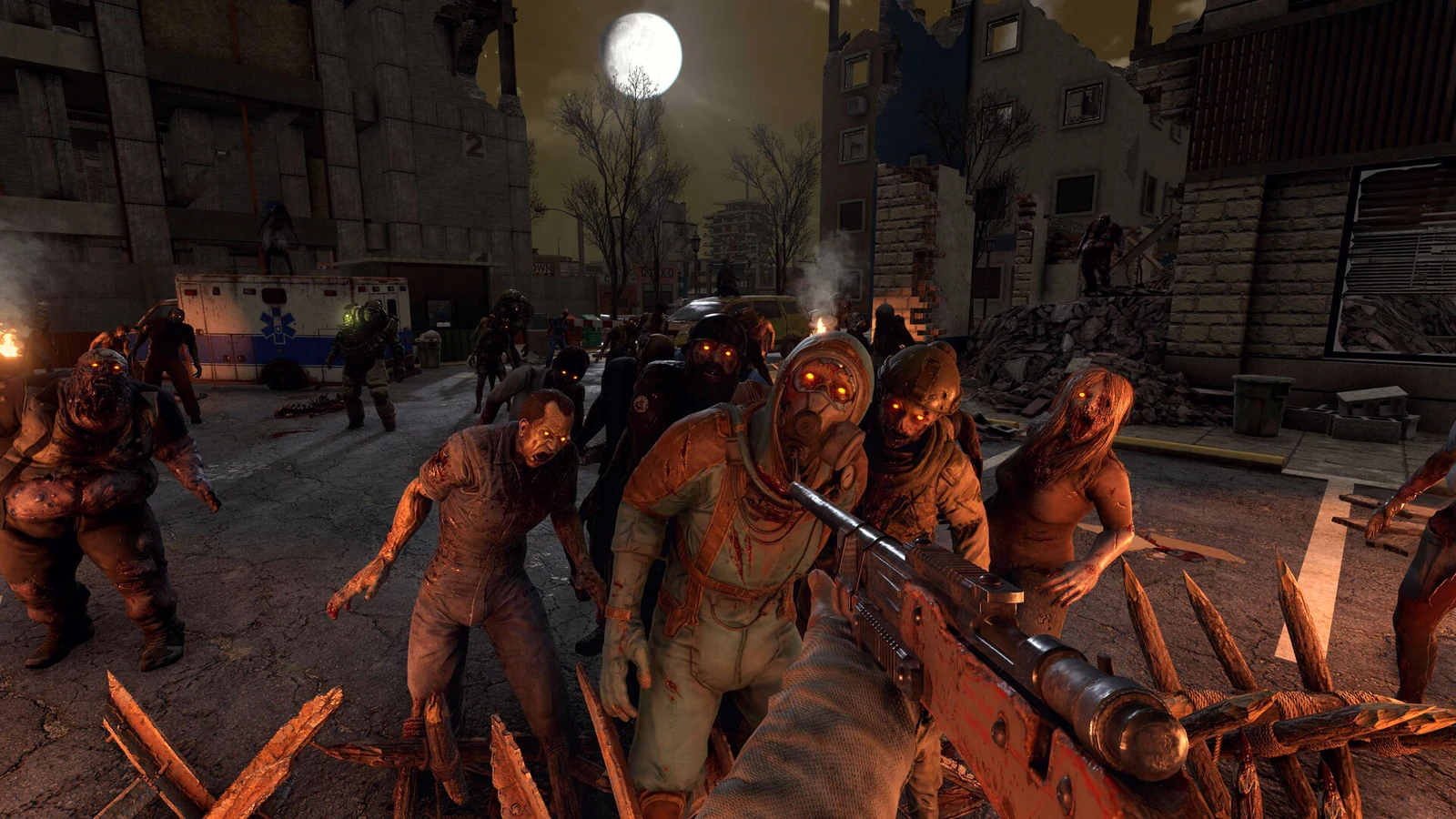
DXVK 3.2 also changes D3D11 resource uploads and includes a specific fix for intermittent stutter in 7 Days to Die on weaker GPUs. To investigate a hitch, load the same save, follow the same route and mark where frame times spike. Record allocated and used device memory. Repeat the comparison one texture setting lower. If the version gap shrinks, memory pressure is worth investigating. That observation alone cannot distinguish eviction from upload behaviour.
GTX 1660 Super Settings: 6GB VRAM, Upscaling and FPS Checks
A CPU-bound slowdown on Radeon under Windows
DXVK 3.2 disables the Vulkan descriptor heap extension on AMD's Windows driver after compatibility issues were reported. The release flags a substantial CPU-bound performance cost on RDNA 3 and RDNA 4 with this default. First establish whether the game actually loads DXVK. A game running directly through Windows Direct3D bypasses the changed code.
Compare two versions on one PC
- Start with the previous DXVK version. Choose a reproducible save or camera path and fix the game build, driver, compatibility runtime, resolution, texture quality, refresh rate and cap. If switching Proton builds changes other components too, label the result as a runtime comparison.
- Warm up the route, then record several passes of equal length. Keep first-visit hitches in a separate record if those are the problem. Save the frame-time trace and average FPS for each pass.
- Switch only DXVK to 3.2, verify its version in the HUD and repeat. For judder, compare frame spacing at the same cap. For traversal hitches, count spikes above the same threshold at the marked locations.
- For the Radeon CPU-bound case, use a separate uncapped pair of runs. Lower resolution in a follow-up pair to check whether the slowdown persists as pixel workload falls. If native Direct3D is available, record it as a separate baseline. Report the spread across runs before attributing a small difference to the update.
FAQ
Version 3.2 requires V-Sync for its presentation-timing path. Check the driver, compositor and how the game connects to it before comparing capped runs.
The HUD reports allocated and used memory. The eviction change affects which resources give up space and when. Check whether repeatable hitches ease at the same texture quality, even if peak allocation looks similar.
The documented change disables an extension inside DXVK on AMD's Windows driver. It matters when the game uses that translation layer, particularly in CPU-bound scenes on RDNA 3 or RDNA 4. A native Direct3D run provides a separate baseline.