If enabling FSR Frame Generation raises the counter but camera movement still looks uneven, check frame delivery as well as frame rate. A useful comparison separates underlying rendering, presented frames and input response, then changes one setting at a time.
Why high FPS can still feel choppy
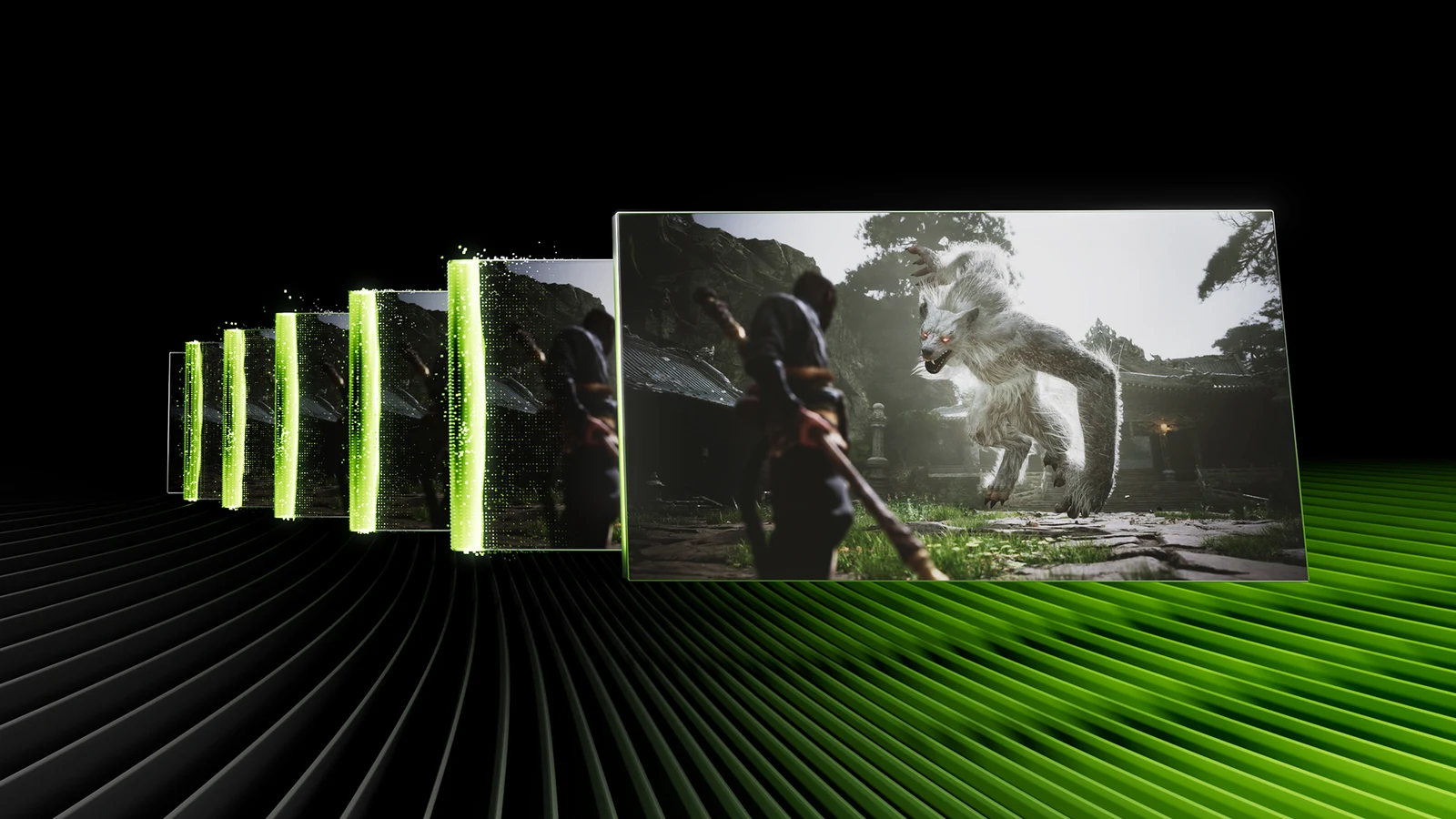
FSR Frame Generation inserts intermediate images between frames rendered by the game. That can make motion look more fluid, but the frames also need to reach the display at consistent intervals. If they arrive in bursts followed by gaps, a high average FPS figure can hide uneven motion.
Keep three questions separate: how quickly the game renders, how evenly frames are presented, and how quickly your input becomes visible. Adding interpolated images does not establish an equivalent increase in game simulation or input responsiveness. A smooth camera pan and responsive aiming are separate things to assess.
| Measure | What it helps you judge | What it cannot establish alone |
|---|---|---|
| Application-rendered FPS | The underlying rendering rate | Final display cadence or input-to-display latency |
| Presented FPS | Output including generated frames where the tool counts them | How many fresh game frames were rendered |
| Frame-time trace | Timing variation at the tool's measurement point | Every stage of physical display output |
| Input-to-display latency | Delay from an input to its visible response | Overall image quality |
This guide concentrates on FSR presentation. If the same hitches remain with frame generation disabled, investigate the underlying game performance separately.
High FPS but Game Still Stutters? How to Fix Frame Time Spikes
What AMD's newer frame pacing path actually requires
As checked on 17 November 2026, AMD's Driver-Assisted Frame Pacing can delegate final presentation timing to the display driver through Frame Generation (Swapchain) 4.0.0 or later. Moving that timing closer to the display pipeline is intended to improve delivery consistency and reduce CPU overhead. This is a documented mechanism, not an HD OPTI measurement or a promise that every game is fixed.
| Requirement | What to check |
|---|---|
| Graphics card | Radeon RX 9000 Series or later |
| Driver | AMD Software: Adrenalin Edition 26.10.1 or later |
| Game integration | Frame Generation (Swapchain) 4.0.0 or later dispatching frame generation during presentation |
| Display mode | Exclusive fullscreen or borderless fullscreen covering the display |
| Synchronisation | VSync disabled and presentation within the display's variable refresh rate window |
| Validated Windows configuration | Windows 11 with Hardware-accelerated GPU Scheduling enabled |
These are conditions for this particular pacing path. When they are unmet, the swapchain uses its existing pacing method. The path is selected automatically when supported; the checklist does not prove it is active in your game. In Unreal Engine integrations, the developer must use the swapchain override rather than manual frame-generation dispatch. Players do not need to install the SDK or edit developer flags.
Some eligible integrations using FSR SDK 2.1 or later, or Frame Generation (Swapchain) 3.1.6 or later, can receive the newer swapchain through a driver override. That still depends on the supported presentation path and the game allowing the override. A driver update alone is insufficient evidence of a fix.
FSR Upscaling and FSR Frame Generation also have different requirements. RX 6000 or RX 7000 support for newer ML upscaling does not give those cards the RX 9000 driver-assisted pacing path. Check the specific effect, rather than treating an FSR version label as support for the whole feature set.
FSR 4.1 on Radeon RX 6000: Support, Setup and Quality Testing
Compare frame generation without changing everything else
Use the following method to judge your own configuration. It is a proposed diagnostic, not a set of HD OPTI benchmark results. First record the game build, GPU, driver, graphics API, resolution, upscaling mode, refresh rate, VRR, VSync and limiter settings.
- Choose a repeatable scene with a slow camera pan, then a short section with movement and aiming. Repeat each condition several times.
- Disable frame generation. Keep the same upscaling mode and graphics settings, then record the underlying FPS, frame-time trace and control feel.
- Enable only the game's FSR Frame Generation option. Repeat the route and record motion consistency, displayed FPS, aiming response and visible artefacts.
- Check what your monitoring tool counts. Keep application-rendered and presented FPS separate wherever supported, and retain the tool version with your notes.
- If the result is worse only with frame generation enabled, test optional overlays disabled, one at a time. Software intercepting DXGI presentation can interfere with FSR pacing.
- For an eligible RX 9000 configuration, compare the documented fullscreen, VRR and VSync conditions in a separate run. Record each change; return to your preferred settings if the trade-off is worse.
VSync off is a requirement for the newer driver-assisted path, but it can allow tearing. This is a targeted compatibility check, not a universal synchronisation recommendation. If you test a limiter, check whether it limits application rendering or final output before choosing a value; there is no single cap that suits every integration.
Read the counter with care
DirectX 12 integrations using Swapchain 4.0.0 report frame types so tools based on PresentMon can distinguish application-rendered and generated frames. The inspected documentation says current PresentMon releases label generated frames as Unknown. That label is not proof that frame generation failed. The documented frame-type reporting is DirectX 12 only, so do not assume equivalent Vulkan reporting.
A graph records the stage its tool observes. Treat it as one part of the diagnosis alongside visible motion. Subjective control feel is useful for choosing a setting, but it is not a measured latency result. An FPS number cannot be converted into a claim that input delay fell by the same proportion.
Decide which result is useful
| Observation | Practical next step |
|---|---|
| Higher output FPS and consistently smoother motion with acceptable response | Keep frame generation for that game and configuration |
| Higher output FPS but uneven panning | Recheck integration eligibility and presentation settings; compare with frame generation off |
| Smoother motion but aiming feels worse | Prefer the setting that meets your response needs; improve underlying rendering performance separately |
| Hitches remain with frame generation disabled | Investigate baseline frame-time spikes before attributing the issue to interpolation |
| Only one overlay configuration causes the problem | Repeat the comparison to confirm the association before keeping that overlay disabled |
For older FSR 3 Frame Generation, the published guidance recommends at least 60 FPS before interpolation for best results. That means the underlying rate after upscaling, not the generated total. Newer implementations have different guidance, so avoid treating 60 FPS as a universal switch that guarantees smoothness. Start with a stable, responsive baseline and judge the added frames by what they improve.
FAQ
A counter can include intermediate frames without showing how evenly they reach the display. Compare frame generation on and off at otherwise identical settings, then assess presentation cadence and the underlying frame-time trace separately.
No. The newer driver-assisted path requires compatible RX 9000-series or later hardware, a suitable swapchain integration and the documented presentation conditions. Eligible games may receive a driver override, but a driver version alone does not prove that the path is active.
No. Upscaling and presentation support are separate. The documented Driver-Assisted Frame Pacing path requires RX 9000-series hardware or later.
VSync off is required for this particular driver-assisted path, alongside the other eligibility conditions. It can also permit tearing, so compare it deliberately and judge the result on your display. It is not a universal fix for every FSR integration.