Published: 4/14/2025
🕒 3 min read
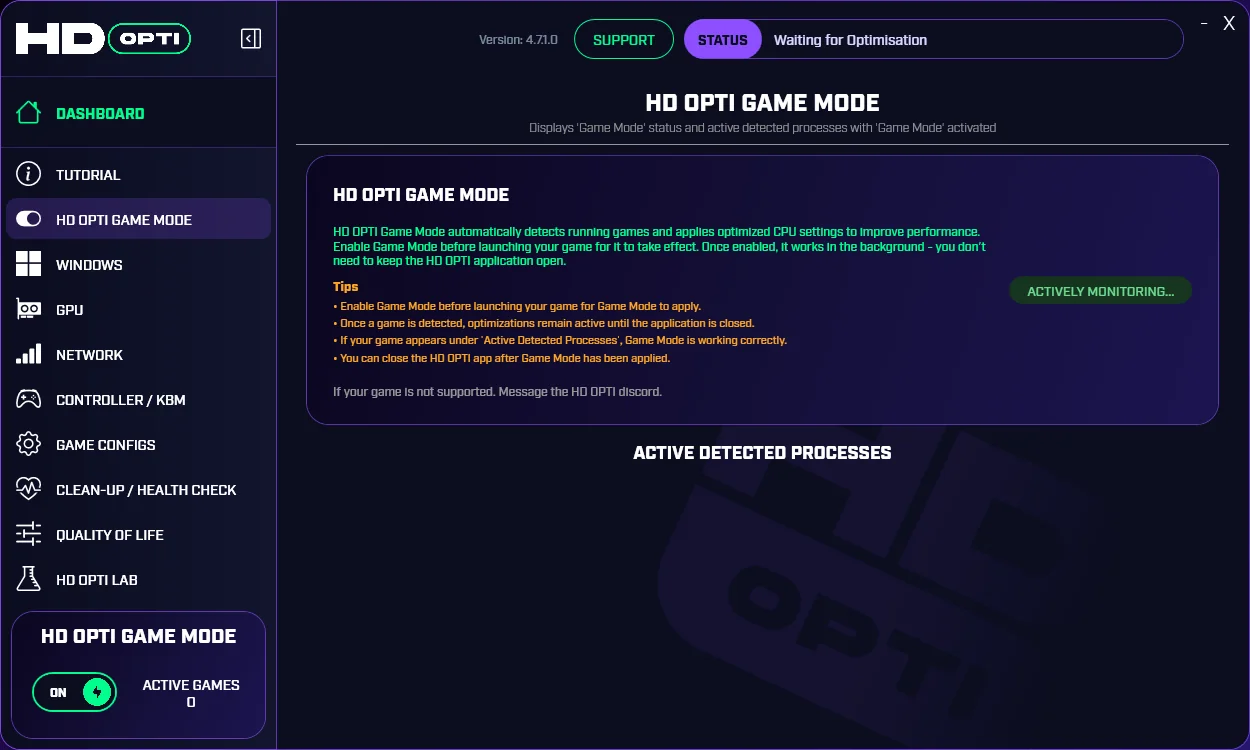
If you’re tired of FPS drops, random stutters, input lag, or bloated software dragging down your gaming performance — HD OPTI was built for you. This all-in-one optimization platform takes the guesswork out of tuning your PC for peak responsiveness.
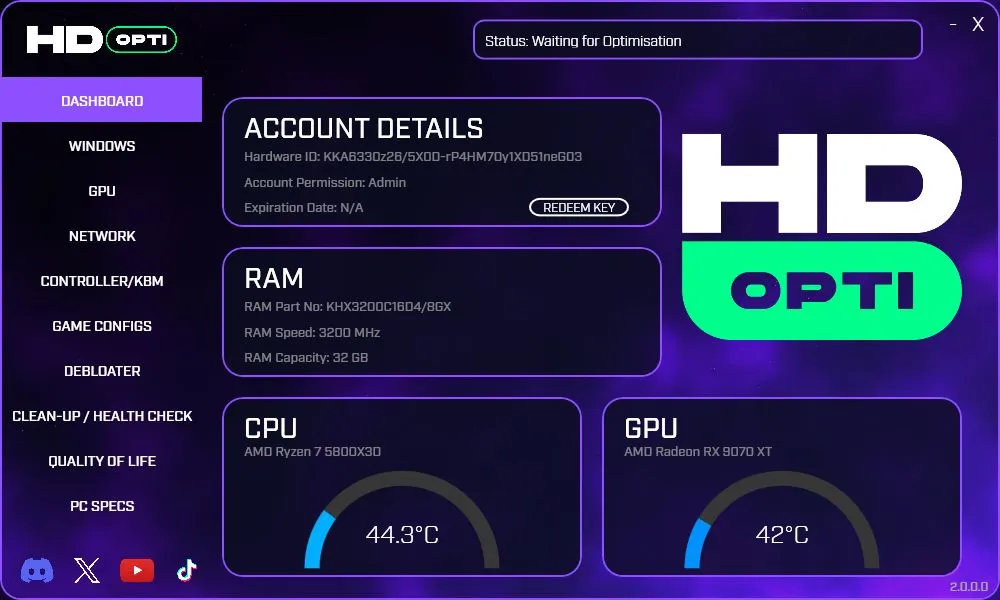
What Is HD OPTI?
HD OPTI is a performance-focused utility designed for gamers who want results — not registry myths or snake-oil “boosters.” It applies tried-and-tested tweaks across:
- System latency reduction
- Background process cleanup
- Power and scheduling tweaks
- Game-specific optimizations
- Controller overclocking via Hidusbf
One Click. Real Results.
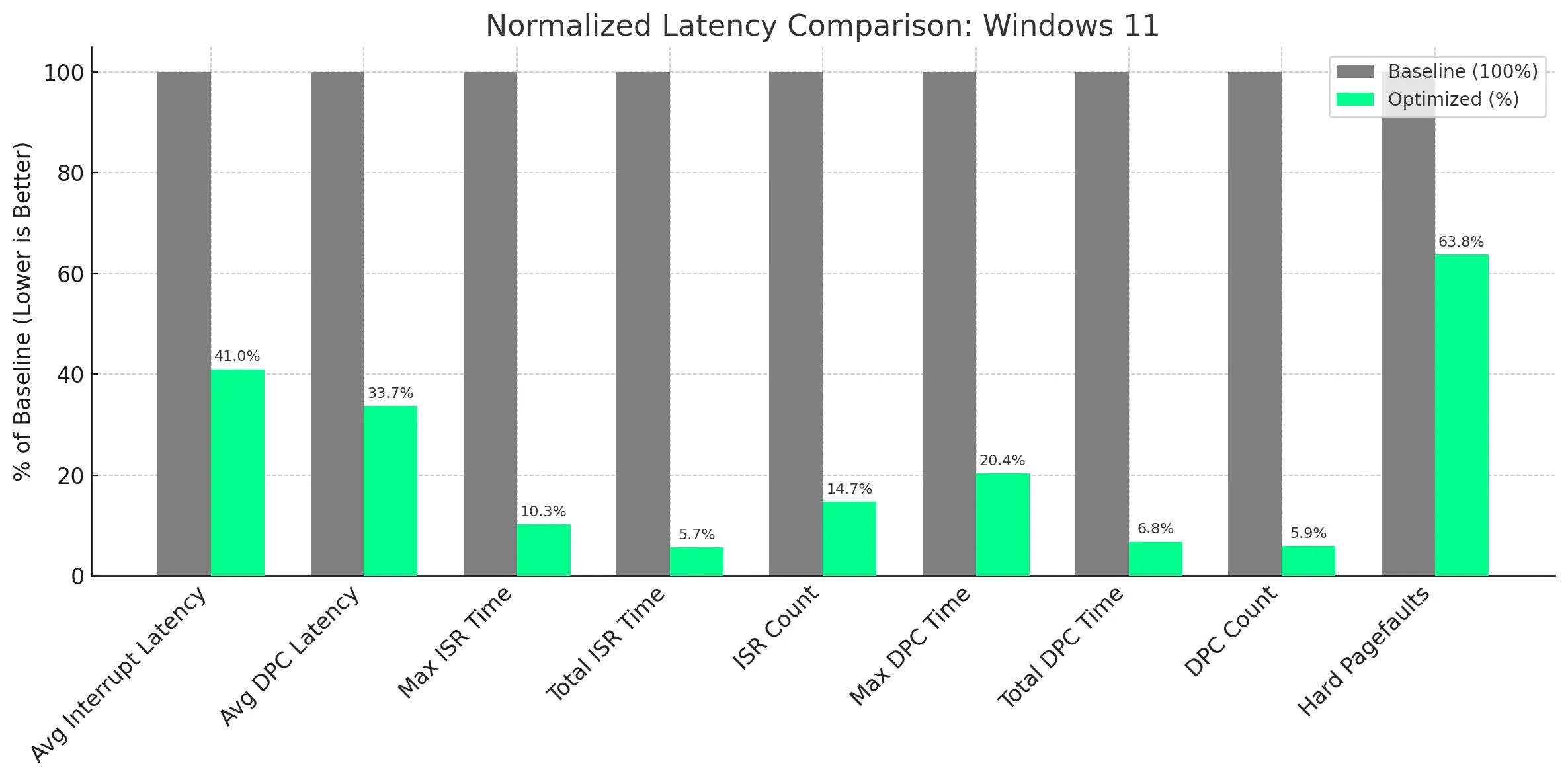
With one click, HD OPTI applies dozens of under-the-hood changes that would normally take hours to research and configure manually. From disabling high-latency power plans to unlocking GPU scheduling and reducing DPC latency, it’s all handled in seconds.
Features That Matter
- Smart Process Killing: Pauses high-CPU background services during gameplay
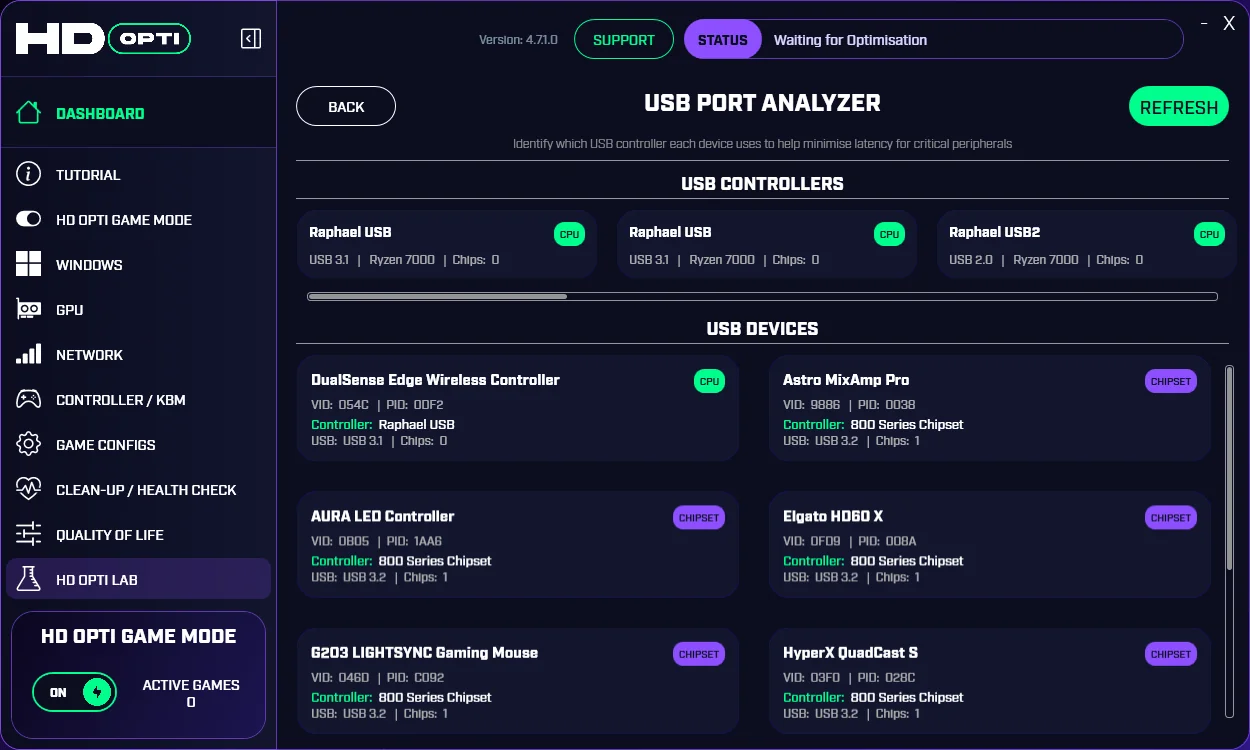
- USB Latency Fix: Overclock your mouse/controller polling rates for tighter input
- NIC Tuning: Applies low-latency registry settings to your network adapter for faster packet handling
- Clean Boot Profiles: Temporary OS profiles for benchmarks or esports sessions
- Game Ready Configs: Tune for Valorant, COD, Apex and more
No Bloat. No BS.
HD OPTI doesn’t install ads, doesn’t run at startup, and doesn’t add junk to your system. It’s built by performance enthusiasts for performance enthusiasts; everything is 100% reversible and optional.
Want Maximum Results?
Pair HD OPTI with clean driver installs (using DDU), controller tuning, and high-performance power configs for best results. We also recommend disabling unneeded background apps before launching your game.
How to Get HD OPTI
- 🔗 Visit the HD OPTI store
- 🖱️ Click Download and run the installer
- 🚀 Launch the app and hit OPTIMISE
Final Thoughts
Whether you’re chasing frames, reducing input lag, or just want your rig to feel fast again; HD OPTI is your shortcut to smoother, snappier gameplay.
No more digging through registry editors or watching hour-long tweak guides; just click, optimize, and game.