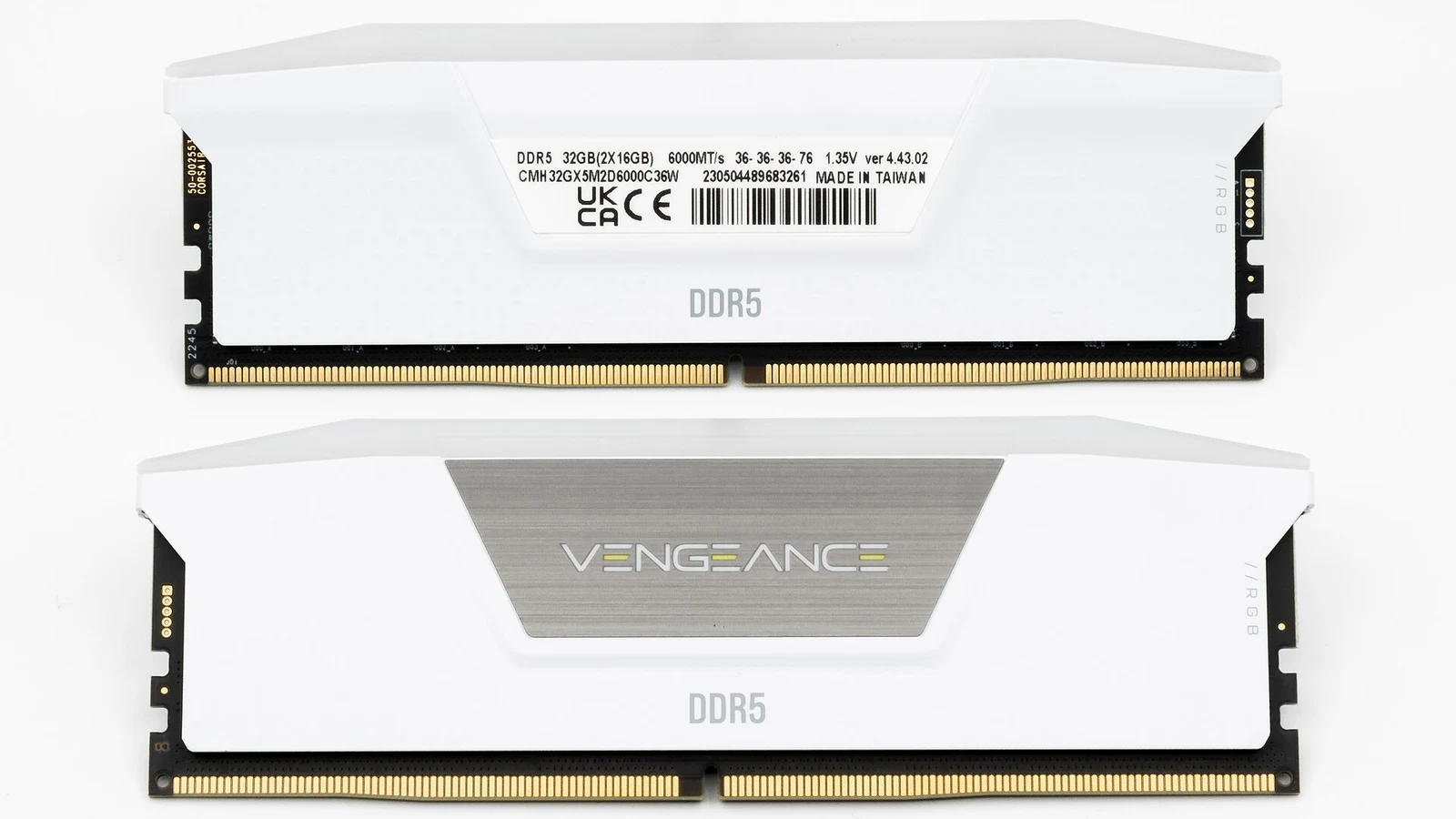
DDR5-6000 CL28 tells you how fast the memory transfers data and how many clock cycles a CAS read takes. It leaves out the waits between other commands. Two profiles with that label can therefore behave differently. How much that matters in a game on a Ryzen 9 9950X3D remains an open measurement.
What changes when both profiles say CL28?
At 6000 MT/s, the underlying DDR clock runs at 3000 MHz. A 28-cycle CAS delay therefore works out to about 9.3 nanoseconds in either profile. That calculation covers the interval from a read command to the first data. A request can also have to wait for refresh or for another command to finish.
Boost Your FPS - How Faster RAM and More Memory Improve Gaming Performance
Lexar’s ARES RGB 2nd Gen kit illustrates the difference. Its standard EXPO and Ultra Low Latency (ULL) profiles both specify DDR5-6000 CL28. ULL changes secondary timings. The gaming comparison used a Ryzen 5 9600X and RTX 5080. The announcement gives no absolute frame rates, repeat-run spread or replay route, so it leaves two questions open for an X3D owner. How large is the difference on your hardware, and can you reproduce it?
Compare five memory configurations on one system
For a Ryzen 9 9950X3D and RX 9070 XT, use the same kit, slots and BIOS throughout. Check that the exact board firmware and kit support ULL before including it. Save a known-good BIOS profile. After each boot, record the active timings, memory and controller clocks, voltages and DIMM temperature. Verify restart behaviour and run a memory stress test at operating temperature. Exclude any configuration that produces errors.
| Test configuration | Research objective |
|---|---|
| JEDEC defaults | Establish the baseline at the data rate the board selects. |
| Standard EXPO | Measure the change from defaults. Use standard EXPO as the reference for the next two comparisons. |
| EXPO with manually tightened subtimings | Isolate the selected secondary timings. Log each change and hold the data rate, primary timings, voltage and controller ratio fixed. |
| EXPO ULL, if supported | Measure the effect of the automated profile. Record any additional timing, voltage or clock changes that could explain a difference. |
| DDR5-8000, if stable | Compare the complete high-speed configuration with the latency-tuned profiles. Record the controller ratio alongside the data rate. |
Capture the same passage in each game
Replay the same CS2 demo segment and use a timed practice-range route in VALORANT. For Delta Force and Modern Warfare 4, choose a repeatable route with fixed starting and ending landmarks. If only live matches are available, label those captures separately. Changing opponents and encounters makes a small difference hard to attribute to RAM.
Keep CPU scheduling policy and game CCD placement consistent. Fix the GPU driver, resolution, graphics settings, frame cap and game build. Warm up each scene, then capture five equal-length passes per profile. Alternate the order of standard EXPO and ULL across sessions and repeat the standard profile at the end to check for drift.
Save each frame-time trace. For each game, report average FPS, 1% lows and 0.1% lows with the same capture tool and calculation method. Show the median and range across passes for each metric. Plot the frame-time distributions on matching axes and inspect where the longest frames land in the route. Measure memory latency separately with the same workload each time and report it in nanoseconds.
A shorter memory benchmark time answers one question. A repeatable reduction in long frames during the same firefight answers another. If the difference between profiles is comparable to the spread between repeated standard EXPO runs, report the gaming result as inconclusive for that scene. Original X3D captures are still needed to put a number on the difference.
FAQ
They have the same nominal CAS delay. Refresh and command spacing can still differ. Compare active subtimings and measure total memory latency with the same workload.
Use standard EXPO at the same data rate and primary timings. Comparing ULL directly with JEDEC defaults combines the ordinary profile change with the additional ULL changes.
Check firmware support for your exact motherboard and kit. If the ULL profile is unavailable, leave that row empty. Record any manually tightened configuration under its own name so readers know exactly what was tested.