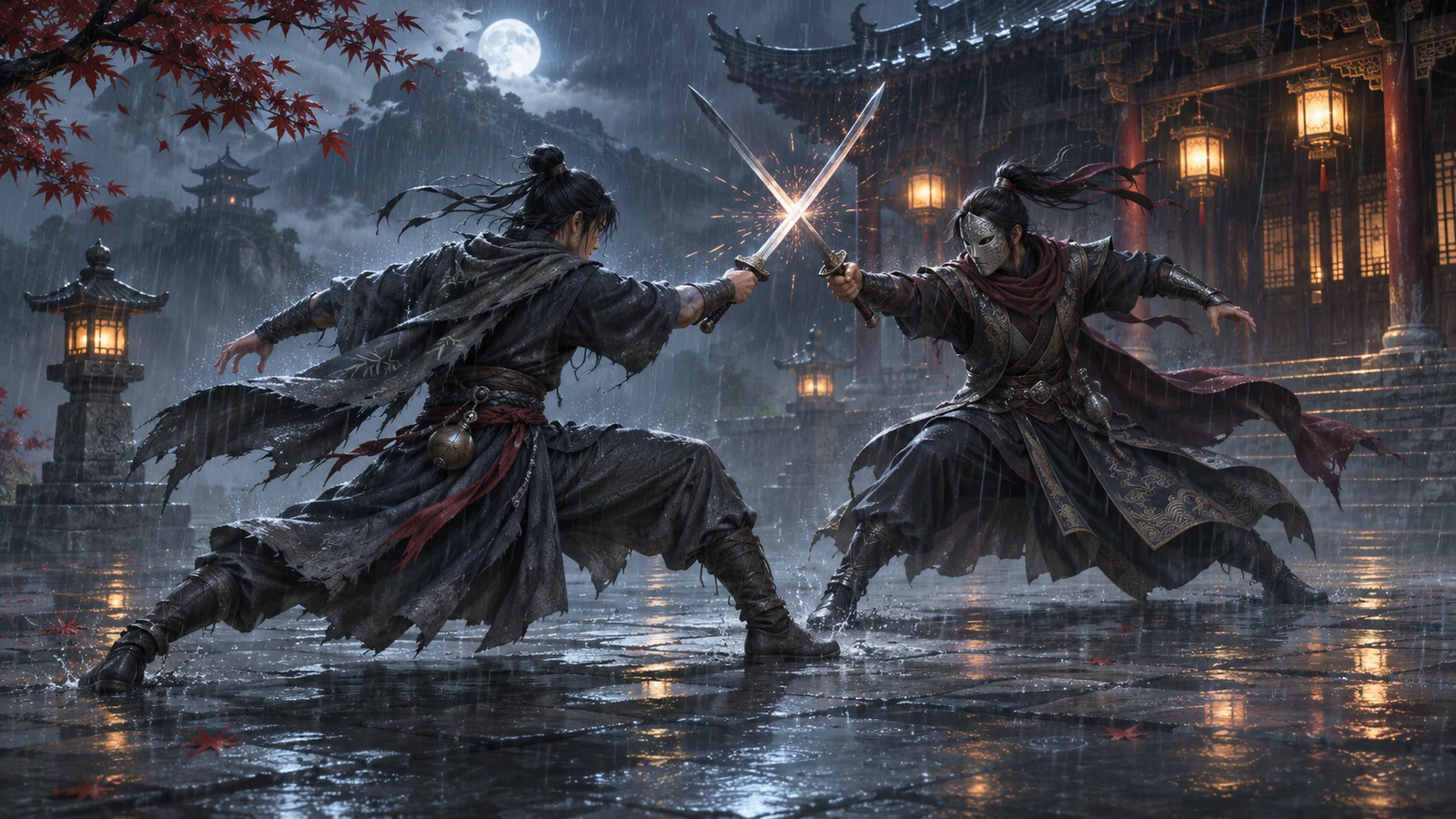
If Phantom Blade Zero hitches or develops distracting image trails, lowering every setting at once makes it hard to learn what helped. Build a repeatable baseline, then test lighting, texture demand and DLSS features one at a time to find a profile you want to play with.
Start with a baseline you can repeat
Phantom Blade Zero supports ray tracing, path tracing and several DLSS features. On the desktop RTX 5060, which has 8GB of video memory, change these separately before deciding that a hitch means the card has run out of VRAM. This guide proposes a personal comparison method; it does not provide measured RTX 5060 results or a guaranteed preset.
- Save screenshots of your current settings. Record the game build, driver, output resolution, texture setting, ray tracing, path tracing, upscaling and frame-generation state.
- Choose a short route from the same save that includes the troublesome camera movement or fight. Keep the route and capture duration fixed.
- Turn Frame Generation off. Disable path tracing and optional ray tracing for the initial comparison, using the options available in your build.
- Keep texture quality unchanged initially. At your usual output resolution, repeat the route three times after a consistent warm-up.
- Record average FPS, frame times and visible symptoms with the same capture tool. Note any frame cap and leave it unchanged across comparisons.
PresentMon can capture frame timing data on Windows. Use consistent tool settings and metric definitions, and keep a note of camera pauses, delayed surface detail and image trails separately. These observations describe different problems; an average FPS number cannot describe them all.
Separate ray tracing from texture demand
Restore the ray-tracing setting that caused trouble while keeping resolution, textures and upscaling fixed. Repeat the route, then switch it off and repeat again. If the symptom follows that change, you have identified a useful settings lever. The comparison alone cannot distinguish rendering cost from memory pressure.
Test path tracing separately from ordinary ray tracing. In Phantom Blade Zero, enabling path tracing automatically activates DLSS Ray Reconstruction on GeForce RTX GPUs. Record that coupled change rather than describing the result as a test of path tracing alone.
For a texture comparison, return to the baseline and lower only texture quality by one available step. Follow any apply or restart prompt, repeat the route and restore the original value for a return test. Lower texture detail is a useful memory-demand experiment, but a better result does not prove that every hitch was a VRAM shortage.
Video-memory usage, reservations and the operating system's budget are different quantities. Exceeding that budget can cause performance penalties, but a reading close to 8GB by itself does not establish the cause of a Phantom Blade Zero hitch. Record what your overlay actually measures; leave an unavailable budget metric blank.
Compare 1080p and 1440p without changing everything
First keep output resolution fixed and compare the original rendering option with DLSS Super Resolution, starting with a quality-oriented mode if offered. Super Resolution reconstructs the output from a lower-resolution input. Inspect moving foliage, thin edges and distant detail as well as the frame-time trace before keeping a softer or less stable picture.
If 1440p still feels unsatisfactory, save that profile and compare a separate 1920 × 1080 profile with the same effects and texture settings. Record the upscaling mode in each. Treat 1080p as another target to evaluate, rather than a proven universal optimum for the RTX 5060.
| Comparison | Keep fixed | What a repeatable improvement supports |
|---|---|---|
| Ray tracing off versus on | Output, textures, upscaling, Frame Generation off | RT settings affect the symptom; the mechanism remains open |
| Original versus lower textures | Output, lighting and upscaling | Texture demand deserves closer investigation |
| Original rendering versus DLSS Super Resolution | Output, textures and lighting | That reconstruction mode is a useful performance/quality trade-off |
| 1440p versus 1080p output | Effects, textures and recorded upscaling choice | The lower-output profile is worth considering for this scene |
Judge reconstruction and generated frames separately
Ray Reconstruction replaces traditional ray-tracing denoisers; Frame Generation adds frames to the output. They perform different jobs. When investigating trails or unstable detail, keep Frame Generation off first. Compare reconstruction options only where the game allows an independent change, and record any automatically changed settings.
Once you have a baseline you enjoy, enable Frame Generation as a separate playing test. Check camera motion, combat effects, interface edges and how the controls feel. Record the displayed FPS alongside the baseline with generation disabled; a larger generated-output number is not the same measurement as application-rendered FPS.
Keep a profile only if its picture and controls suit you through more than one scene. If even acceptable settings fall short, use the remaining limitation to guide further investigation before replacing hardware.
Do You Need a New GPU? What to Test Before Upgrading
When the hitch survives every setting change
Keep the original captures and write down what did not change. A hitch that persists through the comparisons has not been explained by this routine. Avoid stacking further tweaks into the same test; save a clear reproduction with the build, driver, location and settings so that the next investigation starts with useful evidence.
Separate a first visit from repeated runs, and record how much preparation occurred before each capture. Use the cache-aware comparison guide when an apparently smoother second pass is the main reason you think a change helped.
Did Your Shader Stutter Fix Work? How to Test Without Cache Bias
FAQ
No. Check whether the number represents usage, reservation or a budget, then compare the same route with lower textures and unchanged lighting. Exceeding a memory budget can hurt performance, but the overlay number alone does not diagnose this game.
Compare both using saved profiles and the same route. Judge the picture, frame times and controls against your own target. This guide has no measured result establishing one resolution as best for every RTX 5060 owner.
Phantom Blade Zero automatically enables Ray Reconstruction when path tracing is activated on GeForce RTX. Record the coupled change and do not assume the two options can be isolated in your build.
Establish the baseline with it disabled, then evaluate it separately. Frame Generation adds output frames, so keep its FPS reading distinct from the baseline and check visible motion and controls before keeping it.