ARTICLES TO
BOOST PC PERFORMANCE
Explore in-depth guides on drivers, GPU tuning, Windows performance tweaks, and system updates. Everything you need to push higher FPS and lower latency.
- fortnite5 min read
Fortnite Removed Legacy Performance Mode: How to Force DX11
Fortnite’s Legacy Performance Mode is gone, and the new Performance Mode now defaults to DirectX 12 on many modern PCs. Here is how to force DirectX 11 manually using Epic Games Launcher command-line arguments.
- Windows 115 min read
Windows 11 Insider Beta 25H2 Build 26220.8370: New Latency Fix
Windows 11 Insider Beta 25H2 build 26220.8370 brings a smoother Home to Pro Education upgrade path, more flexible feature rollout controls, and community-tested latency tweaks for File Explorer and Settings.
- Windows 11 Xbox Mode5 min read
Windows 11 Xbox Mode Benchmarked: Better 1% Lows, Less Stutter, and a Cleaner Gaming Desktop
Windows 11 Xbox Mode is a new gaming-focused interface that suppresses background activity to improve frame pacing, reduce stutter, and raise 1% lows. Here is what the benchmarks show, how it compares to normal desktop mode, and how to enable it.
- Marathon5 min read
How to Fix Marathon Lag on PC: Network, FPS Stutter, and Input Delay
Learn how to fix Marathon lag on PC by identifying whether the problem is network latency, performance collapse, or input interference. This guide covers Ethernet, UPnP, RUTABAGA errors, CVARS.xml resets, Steam Overlay conflicts, and more.
- Best WoW Settings 20265 min read
Best WoW Settings 2026: Maximize FPS and Visual Clarity
The best WoW settings for 2026 focus on clear visuals, lower clutter, and stable FPS during raids, PvP, and dungeons. This guide shows how to optimise gameplay, UI, and graphics without relying on heavy addons.
- GeForce Experience Error Code 0x00035 min read
How to Fix GeForce Experience Error Code 0x0003 on Windows
GeForce Experience Error Code 0x0003 usually points to stopped NVIDIA services, a damaged network stack, or a corrupted driver install. Here is how to fix it properly on Windows 10 and Windows 11.
- debloat windows 115 min read
How to Debloat Windows 11 & 10 the Right Way
Learn the safest way to debloat Windows 11 and Windows 10 using documented settings, winget, and Appx tools. This guide explains what to remove, what to disable, and what should be left alone.
- Resident Evil Requiem6 min read
Best Resident Evil Requiem Settings for FPS and Stability
Use these Resident Evil Requiem PC settings to boost FPS, reduce frame time spikes, fix heavy input feel, and improve overall stability without sacrificing too much image quality.
- M.2 SATA vs NVMe SSD5 min read
NVMe vs SSD: The Ultimate Compatibility and Speed Guide
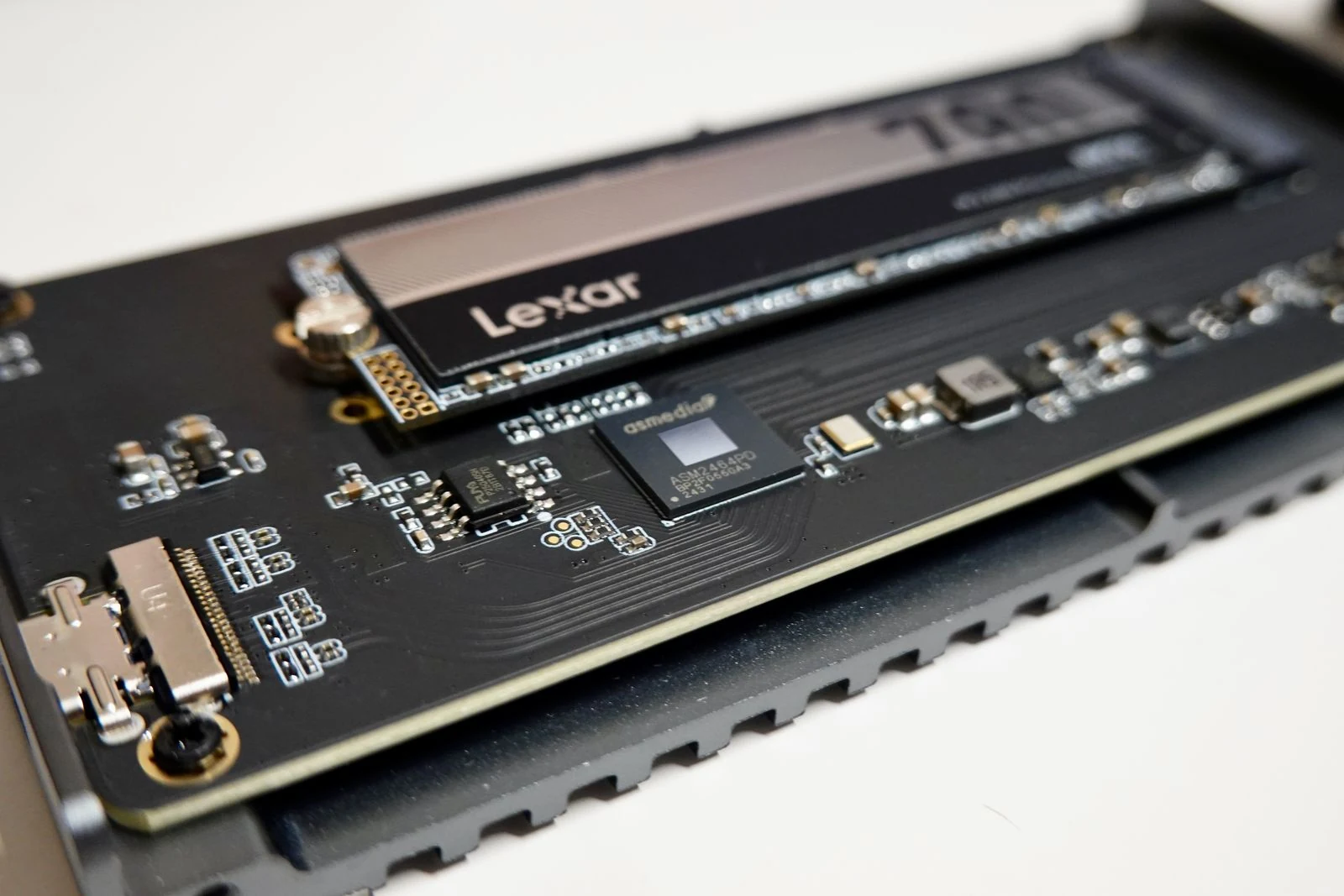
Confused by M.2, SATA, and NVMe? This guide explains the real difference between M.2 SATA SSDs and M.2 NVMe SSDs, how to avoid compatibility mistakes, and which type makes sense for gaming and upgrades.
- game stuttering fix5 min read
High FPS but Game Still Stutters? How to Fix Frame Time Spikes
High FPS does not always mean smooth gameplay. Learn how to fix frame time spikes, micro-stutter, VRAM limits, unstable RAM profiles, driver issues, and CPU bottlenecks for more consistent gaming performance.
- disable windows 11 services5 min read
Disable Windows 11 Services to Reduce Background Processes and Speed Up Your PC
Learn which Windows 11 services you can safely disable, how to do it properly, and which services you should leave alone to avoid breaking key features like printing, Bluetooth, and updates.
- router settings5 min read
5 Essential Router Settings to Change for Better Security and Performance
Most people never change their router settings after setup, which leaves their home network less secure and often slower than it should be. This guide covers the key router settings to change for better WiFi performance, stronger security, and cleaner day-to-day reliability.