MW4 gunfights can feel different even when FPS and ping barely move. Check the November 13 weapon changes, then isolate what happens under incoming fire, through smoke and during ordinary camera movement.
Why MW4 aiming can feel different at the same FPS
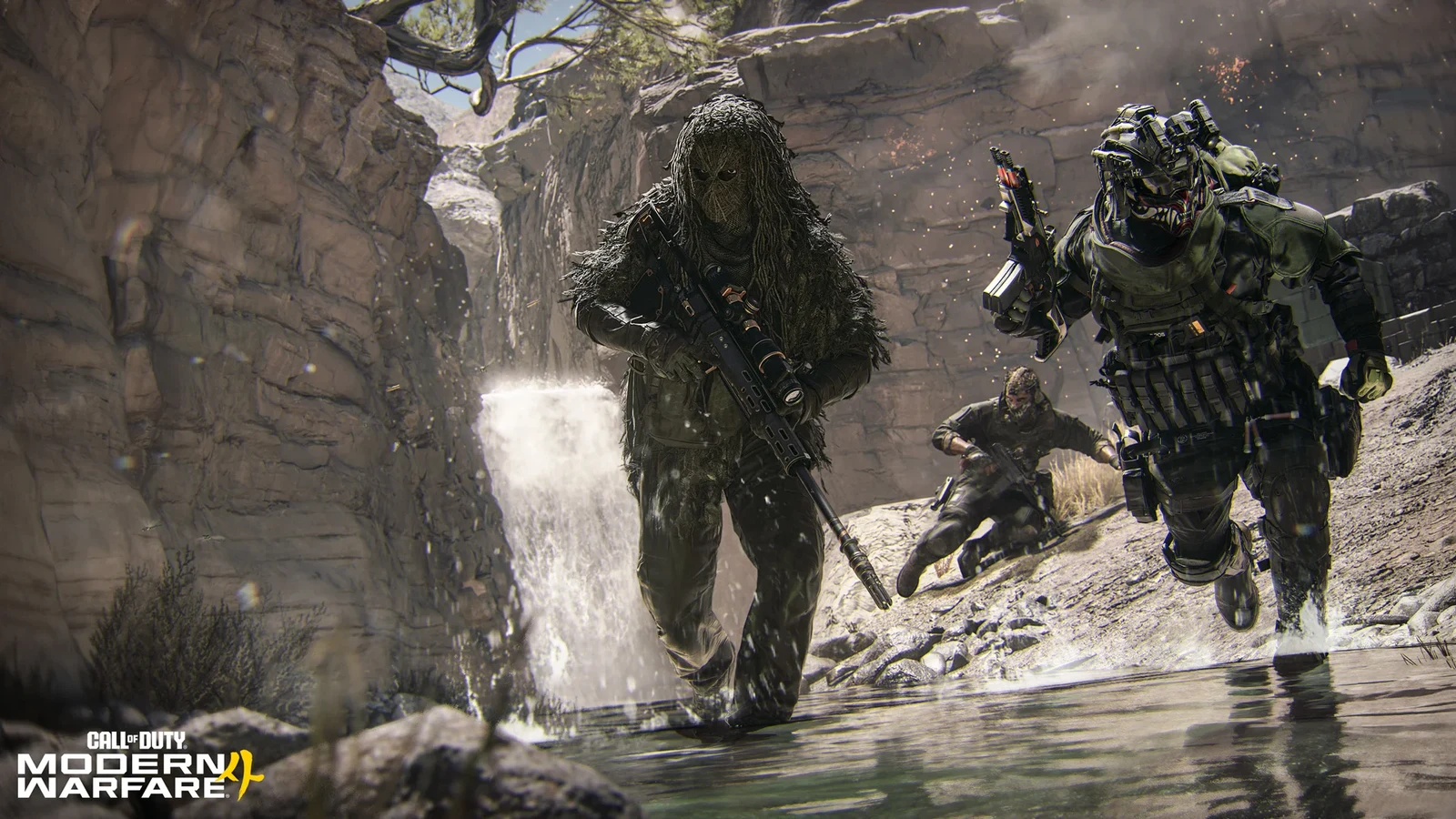
If your aim feels steadier after the 13 November 2026 update, start by checking what changed in the gunfight. MW4's Multiplayer tuning reduces received flinch for several weapon categories, changes individual damage ranges and disables aim assist through specific smoke effects. Those mechanics can change how aiming feels even when your FPS counter looks familiar.
Flinch is the aim disturbance caused by taking damage. System latency is the delay between an input and its visible response, involving the peripheral, PC and display. A reduction in flinch is therefore a weapon-mechanics change; it does not measure a reduction in input-to-display delay. This guide offers a diagnostic method, with no HD OPTI before-and-after gameplay benchmark.
Check your weapon's flinch adjustment
The November 13 Multiplayer notes give the following category defaults for flinch received. Each applies unless an individual weapon entry specifies otherwise. These percentages describe tuning values, not a measured percentage improvement in accuracy.
| Weapon category | Reduction in flinch received |
|---|---|
| Assault rifles | 25.4% |
| SMGs | 15.6% |
| LMGs | 19.3% |
| Pistols | 17.8% |
Check the individual entry before applying a class-wide figure to your loadout. Hyeon Burst receives a 5.6% reduction, while the Oris 8.6 marksman rifle receives a 9.6% increase. Flinch received and flinch inflicted also have separate adjustments: the disturbance you experience and the disturbance you cause are distinct parts of the tuning.
Use these notes as a reason to retest the weapon you actually play. They do not establish that every weapon now aims more steadily, and this Multiplayer summary should not be treated as a blanket Warzone or DMZ balance guide.
Smoke and damage ranges can change the fight too
Aim assist is disabled when shooting through Smoke Grenades and the Smoke Wall Field Upgrade, including openings made by gunfire or explosions. For players using aim assist, a visible gap in smoke is therefore a different test condition from an unobstructed sightline. Compare those situations separately before changing sensitivity or deadzones.
Weapon range changes can also alter an engagement without changing PC response. For example, the M4's maximum-damage range moves from 27.94 metres to 35.31 metres, while its listed maximum damage remains 23. That extends the range of that damage tier; it does not prove every encounter ends faster or that the server registers shots sooner.
Match the symptom to the next check
Treat the following as leads to investigate. Several problems can occur together, and a single clip or counter cannot establish the cause.
| What you notice | Useful next check | What it does not prove |
|---|---|---|
| Aim moves abruptly when you take damage | Compare the same weapon while unharmed and under controlled incoming fire | That your mouse or controller became slower |
| Tracking changes around smoke | Compare clear sightlines with the same smoke condition | A general sensitivity fault |
| The whole scene hitches while turning | Check the frame-time graph alongside FPS | That flinch caused the hitch |
| Players jump position or hit feedback arrives late | Record network warnings, ping and packet-loss readings | That the weapon balance update fixed or caused a server fault |
Keep frame delivery, input response and connection notes separate. FPS describes frame rate; a frame-time trace shows how frame intervals vary. Neither is an end-to-end latency measurement. Ping concerns network travel time, while packet loss concerns missing data. A normal-looking ping reading alone does not settle every connection question.
If frame delivery is the repeatable problem, use a controlled rendering comparison before considering a hardware upgrade.
Do You Need a New GPU? What to Test Before Upgrading
Run a controlled aiming comparison
Use a private Multiplayer session with a willing partner where the required options are available. This proposed routine can help isolate the current symptom. Without comparable pre-update footage or measurements, it cannot quantify the November 13 improvement.
- Record the date, game build, mode, weapon, attachments, optic, sensitivity, field of view and input device. Keep graphics settings, frame cap and display refresh rate fixed.
- Choose a fixed position, distance and aim point. First record aiming without firing or taking damage. Then record a separate firing sequence without incoming damage.
- Repeat the aim-hold while your partner fires controlled single shots. Keep their weapon, attachments, hit location and firing interval consistent. Watch the disturbance at each incoming hit and note any simultaneous frame-time spike.
- Repeat several times. If you test another attachment or weapon, change only that factor, then return to the original loadout to check whether the difference persists.
- Test smoke separately with the same input and aim-assist settings. Record which smoke effect is present. Do not mix these observations into the clear-sightline flinch comparison.
Save perceived response as a separate note from visible aim displacement. If you want to report latency in milliseconds, use a measurement setup that documents which parts of the input-to-display path it captures. Video of reticle movement alone does not provide a full latency measurement.
Keep Frame Generation fixed during these comparisons and record whether your FPS metric includes generated output. Displayed FPS can describe a different quantity from application-rendered FPS; a higher counter alone cannot establish faster input response. The following guide explains a separate rendered-versus-generated comparison in another shooter.
Bodycam PC Settings: Compare FSR, Frame Generation and Response
Use the result to choose one next action
If the disturbance consistently follows incoming damage while frame delivery remains steady, investigate your weapon and attachment behaviour first. If ordinary camera movement also hitches, investigate frame delivery separately. If the issue follows network warnings or abrupt position changes, collect connection evidence. Keep the original settings until you have a repeatable reason to change one.
FAQ
The listed reductions concern weapon flinch. They do not measure input-to-display delay. You can experience less aim disturbance while taking damage without establishing any change to peripheral, PC or display latency.
That is the category default unless a weapon entry overrides it. Hyeon Burst has a separate 5.6% reduction in flinch received, so check the individual entry before applying the class figure.
The November 13 Multiplayer change disables aim assist through Smoke Grenades and Smoke Wall, including gaps caused by gunfire or explosions. Compare a clear sightline and the smoke condition separately before adjusting sensitivity.
No. Steadier aim is an observation about aiming behaviour, whereas delayed hit feedback can involve network conditions. The flinch adjustments alone do not establish a server or hit-registration improvement. Record aiming, frame delivery and network symptoms separately.