When a game pauses every few seconds, try standing still before lowering the graphics preset. Does the pause return on schedule? Or does it wait until you turn a corner or another player appears? Those observations point to different tests, even when the FPS counter looks much the same.
What stopped the shop for a frame?
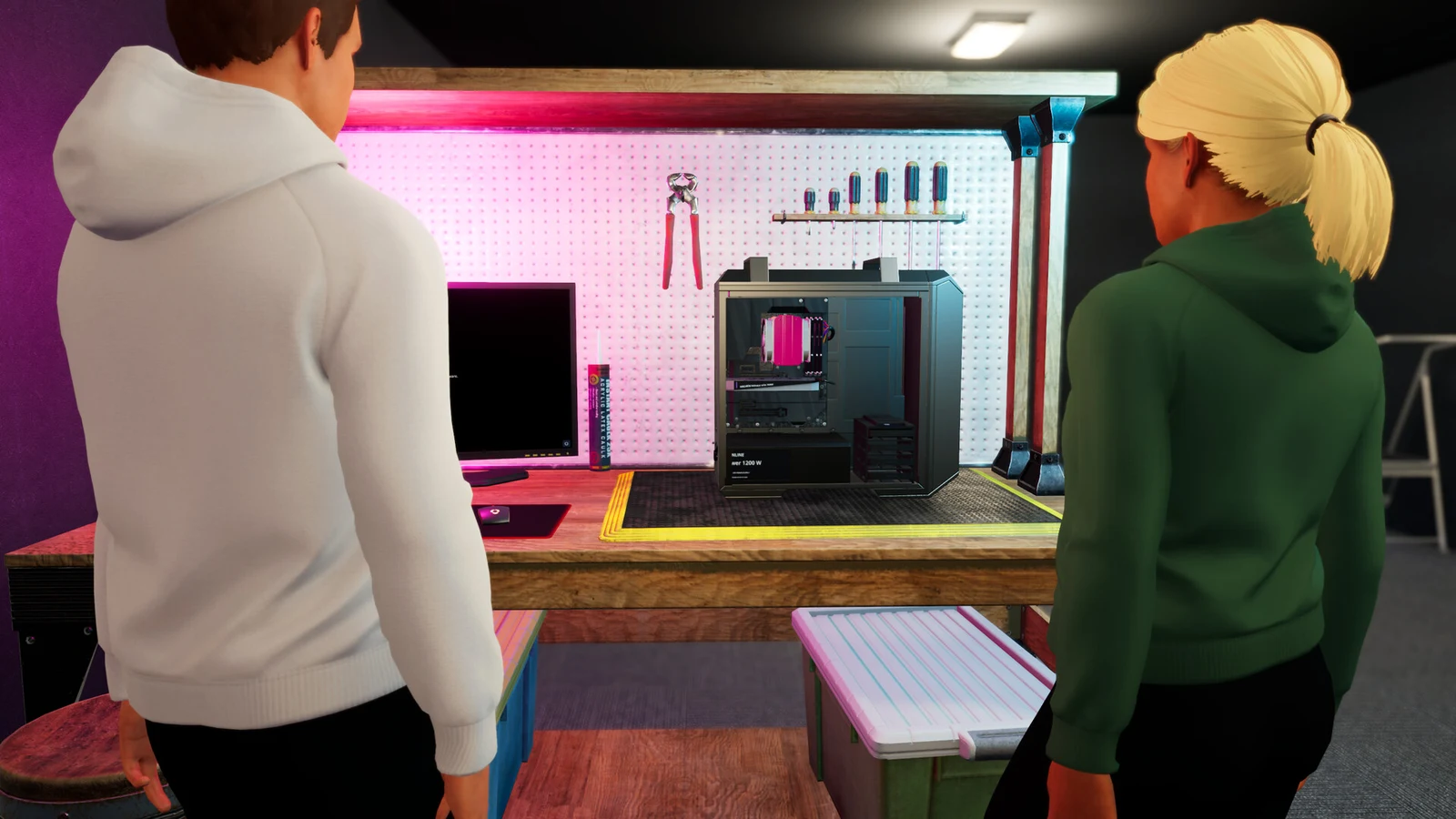
Before its 25 November 2026 performance update, PC Store Together could hitch every 10–15 seconds on the player's PC hosting the shop. The patch traced that rhythm to autosaving. It also addressed pauses when a delivery carton landed, a customer spoke or a new shelf appeared. Waiting by the till could expose the save hitch. Reproducing the delivery hitch required a delivery.
Some changes affected the whole scene. Distant shop monitors had been redrawing every frame, so the update stopped those redraws when nobody was nearby. It also cut the texture data the game loads from 12.3 GB to about 4.7 GB to help PCs that struggled to finish loading. Those figures describe the game's textures. A graphics card's total memory usage includes other data as well.
Record one quiet minute and two passes through the same scene
Select the game process in PresentMon and start a frame-time capture. Alongside it, log per-core CPU activity, GPU activity, dedicated graphics memory, system RAM and disk reads and writes with a hardware monitor. Start both logs together and note the elapsed time whenever you feel a catch. A frame-time spike locates the delay even when a session-wide FPS average barely moves.
High FPS but Game Still Stutters? How to Fix Frame Time Spikes
- Start from the same save or practice area. Note the game build, driver, resolution, texture setting, frame cap and whether you are hosting. Stand still for a minute. Check the spacing between spikes and whether each coincides with a save indicator, disk write or another process becoming active.
- Walk a short route past a recognisable landmark. Mark the first appearance of an object or effect. Immediately repeat the route with the same camera turns. If the spike moves when you reach the landmark later, the location or event is a better lead than a timer.
- If only the first pass hitches, check for disk reads around the encounter and whether the game was preparing shaders. A smoother second pass fits both asset loading and shader reuse. A disk read alone cannot identify what the engine loaded.
- If the hitch returns on both passes in a texture-heavy area, lower only texture quality by one step. Repeat both passes, restarting for each setting if required. Compare dedicated memory use, spike height and how often the spikes recur. Restore the original setting and check whether the pattern returns.
Give more weight to a change you can reproduce in both directions. A high memory reading alone says little about which frame was delayed. Equally, a short stall can fall between hardware-monitor samples. Save the frame-time trace and the timestamp of the event even if the slower log looks flat.
What carries over to Fortnite, Warzone and CS2?
In Fortnite's DirectX 12 mode, repeated shader compilation can cause heavy stuttering. A first match after clearing the shader cache can also hitch while the game rebuilds shaders. Leave the cache intact during a comparison and record whether each run was the first match after a reset.
Warzone gives you an earlier checkpoint. On first boot, stay at the main menu until shader preloading finishes. Leaving the menu interrupts that work and can affect performance. If a particular doorway still hitches afterwards, capture two passes through it. Include preload status in the report so another player can match your starting conditions.
For a different trigger, consider a CS2 hitch that follows a rapid mouse turn. Repeat that movement facing the same already-loaded wall, then cross the problem area without turning. If turning alone reproduces it, include the mouse polling rate and hardware configuration in the report. The CS2 guide below examines a specific Ryzen and NVIDIA setup.
CS2 Micro-Stutters on Ryzen CPUs and NVIDIA GPUs
FAQ
PC Store Together identified that interval on the host before its patch. In another game, watch several cycles while standing still and look for a save indicator or repeated process activity at each spike. The interval gives you something to test.
The change from 12.3 GB to about 4.7 GB describes loaded texture data. The patch does not give a per-card measurement of total graphics memory before and after. Compare the same scene and texture setting to measure usage on your PC.
For a remaining first-encounter hitch after restarting PC Store Together, its patch suggests trying -force-d3d11 in the game's Steam launch options. Compare the first and second encounter after a fresh launch in each mode. Remove the option to restore the previous configuration. Other games have their own supported rendering modes.