Published: 10/9/2025
🕒 2 min read
Why Your Wi-Fi Is Slow (Even With a Fast Plan)
You pay for gigabit internet, bought a modern router with all the latest acronyms - MU-MIMO, OFDMA, dual-band - and yet your Zoom calls still drop and Netflix still buffers. The issue usually isn’t your ISP speed… it’s your own devices.
The Real Problem: Your Clients
Many users blame their internet provider, but the culprit is often the devices on your network. That old wireless printer, decade-old smart TV, or outdated IoT gadget is probably stuck using ancient Wi-Fi standards like 802.11b/g on 2.4 GHz. These slow devices can pull your entire network down.
Wi-Fi is half-duplex and shared: devices take turns talking. If one is slow, everyone else must wait. This “slowest client” problem means your new laptop capable of 600 Mbps might get throttled by your 2011 smart fridge that still thinks WEP is secure.
Common Causes
- Old IoT Devices
- Printers, TVs, smart bulbs stuck on 802.11b/g
- Mixed SSID Clients
- Router slows to match oldest standard
- Shared Medium
- Wi-Fi devices take turns talking
- Legacy Encryption
- Outdated WEP/WPA slows handshake process
How to Fix It
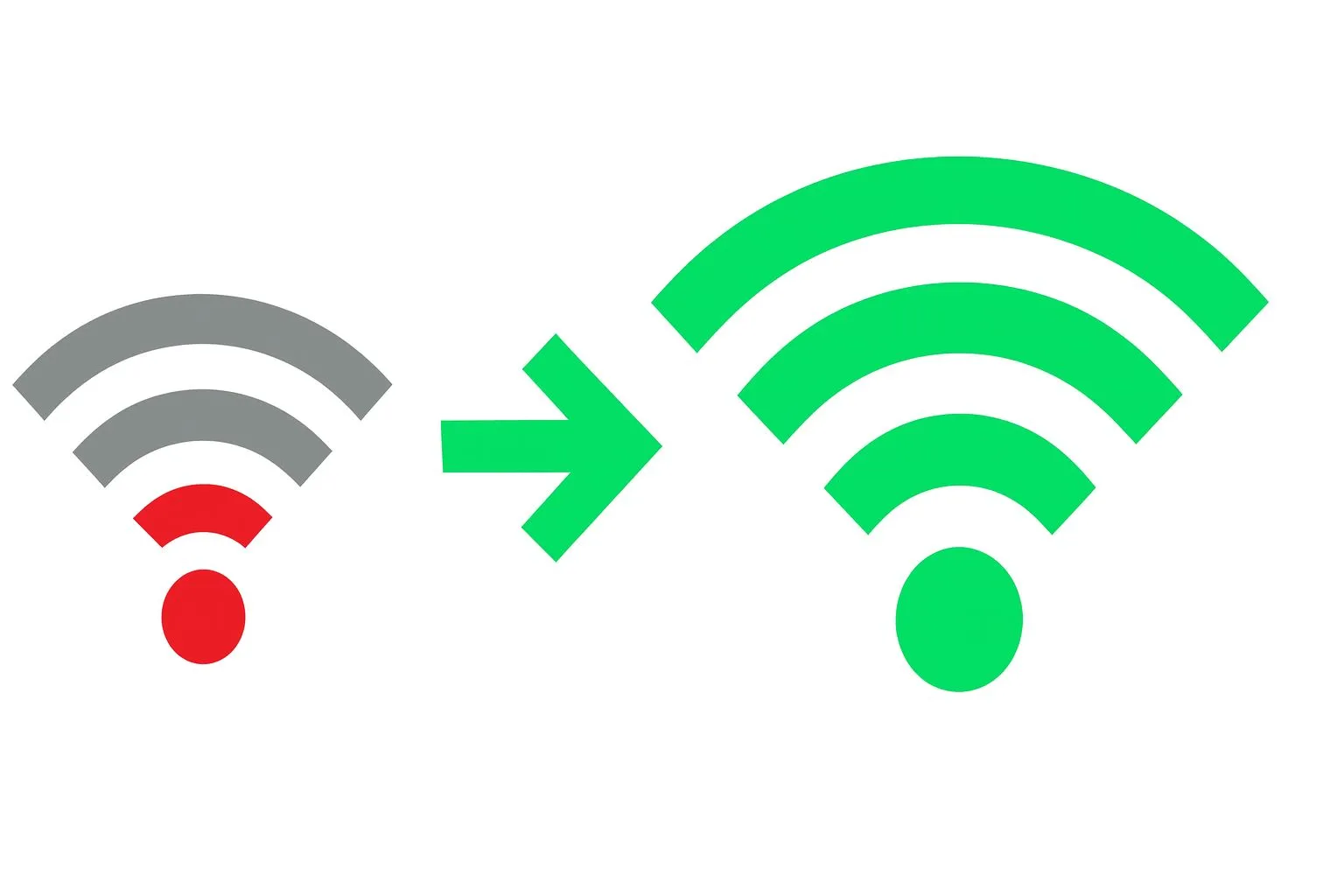
You can’t fix slow devices - but you can contain them. The goal is to stop legacy hardware from dragging your modern clients down.
Fix Steps
- 1️⃣ Separate SSIDs
- Create a 2.4 GHz-only network for old devices
- 2️⃣ VLAN Isolation
- If supported, isolate them from your main LAN
- 3️⃣ Rate-Limit VLAN
- Restrict bandwidth for printers/IoT
- 4️⃣ Upgrade Hardware
- Retire any device that needs a companion app to stay online
Why It Works
Separating slow clients prevents your router from reducing throughput for your faster devices. By isolating and throttling legacy hardware, modern clients maintain full-speed access and low latency, improving gaming, streaming, and calls instantly.
Final Thoughts
It’s rarely your bandwidth that’s to blame - it’s the freeloaders on your own Wi-Fi. Kick them off, cage them, or upgrade them. Once you do, your “trash” Wi-Fi will finally perform like the gigabit connection you paid for.