An RTX 30 Series card can use DLSS Super Resolution in supported games. NVIDIA’s official DLSS Frame Generation support starts with the RTX 40 Series. If you’re evaluating an unofficial unlock, track how often the game renders a frame, how evenly the display receives frames and how the controls feel.
Identify what is generating the frames
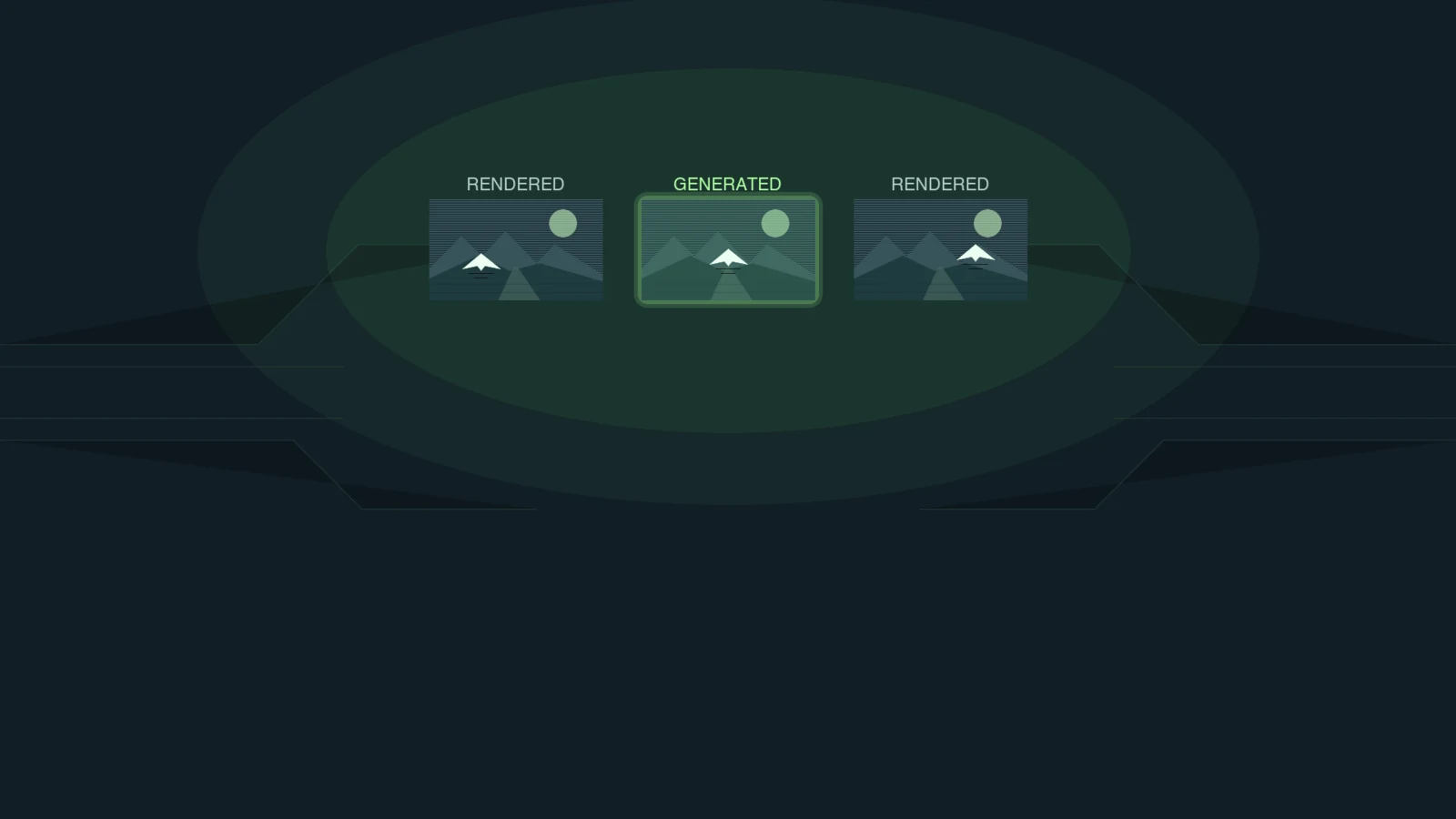
DLSS Super Resolution reconstructs a higher-resolution image from a lower-resolution render. Reducing that rendering workload can help the game produce more frames when the GPU is the limiting factor. Frame generation inserts new images between rendered frames. Those extra images can make a camera pan look smoother, while the rate at which the game produces fresh frames can stay flat or fall.
A game can offer DLSS Super Resolution and a separate FSR Frame Generation option. If the unmodified game lets you combine them, record both settings. With an unofficial unlock, check the project documentation and any backend logs it provides. A DLSS label in the game menu is insufficient to identify the frame generator.
Some community tools redirect frame generation to FSR. A different approach adapts the game’s NVIDIA frame-generation runtime for Ampere. One documented implementation requires a Windows game that already integrates DLSS Frame Generation and uses software frame pacing on RTX 30 Series hardware. Compatibility and pacing on your game, GPU and software versions need their own check. Keep mod testing to offline single-player games where mods are permitted.
DLSS Enabler Manager Guide: One-Click Multi-Frame Generation for Older GPUs
Run the same route with frame generation off and on
Use a repeatable single-player save with a steady camera pan, a busy stretch and a quick turn. Keep resolution, graphics settings, refresh rate, frame cap, sync and Reflex fixed where the game permits. If enabling frame generation forces another setting to change, record it and treat the result as a comparison of the two complete configurations.
- Capture a stock run with upscaling and frame generation off. Then enable DLSS Super Resolution at the quality mode you would actually play and capture again with frame generation still off.
- Use that upscaled run as the baseline. If the game has built-in FSR Frame Generation that can run with the same upscaling mode, test it separately.
- If you already have a compatible unlock and can confirm the backend, test with the unlock loaded and generation off first. Then enable its lowest available multiplier and repeat the route. This gives you a comparison within the same modded setup.
- Repeat each configuration and revisit the stock upscaled baseline after restoring the original setup. Use the same warm-up and recording length. Skip unavailable configurations and record any differences that prevent a fair comparison.
Use a capture tool that documents separate rendered and displayed metrics for your setup. FrameView documents intervals between application presents and intervals between display changes. Keep the two traces separate, especially around the busiest part of the route. If your tool cannot distinguish them for the chosen backend, leave the missing result blank. Compare mouse response by feel in the same section, or record input-to-display latency separately if you have a suitable measurement setup.
Read the results before raising the multiplier
| If you observe | What to check next |
|---|---|
| Displayed FPS rises and the pan looks smoother | Check whether rendered FPS held up and whether short turns still feel responsive. |
| The counter rises but the pan still judders | Look for uneven intervals in the display trace. Repeat the same pan with generation off to see whether the issue also occurs at baseline. |
| Movement feels delayed or fine detail breaks up | Compare the same quick turn with generation off. Check HUD edges and moving objects and decide whether the smoother pan is worth the trade-off. |
| Rendered FPS is already too low with generation off | Try a lower render resolution or a less demanding graphics setting and retest the baseline before revisiting frame generation. |
If your priority is faster control response or fewer long rendered frames, make that the deciding metric. If you mainly want smoother camera motion in an offline game, weigh the display trace and what you see alongside the control response. A higher displayed average alone gives you little basis for buying a new card.
Do You Need a New GPU? What to Test Before Upgrading
FAQ
NVIDIA lists DLSS Frame Generation for RTX 40 and RTX 50 Series GPUs. The RTX 3060 and RTX 3090 can use official DLSS Super Resolution in games that support it. An unofficial unlock is a separate setup with its own compatibility requirements.
No. DLSS Super Resolution is an upscaler, and some community tools use FSR to generate frames behind a DLSS-labelled option. Check the frame-generation setting separately and use the project’s documentation and logs to identify the active backend.
Displayed FPS measures output cadence. To check input latency, measure the time from a repeatable input to the visible response with a suitable setup. If you judge it by feel, record that observation separately from the FPS numbers.