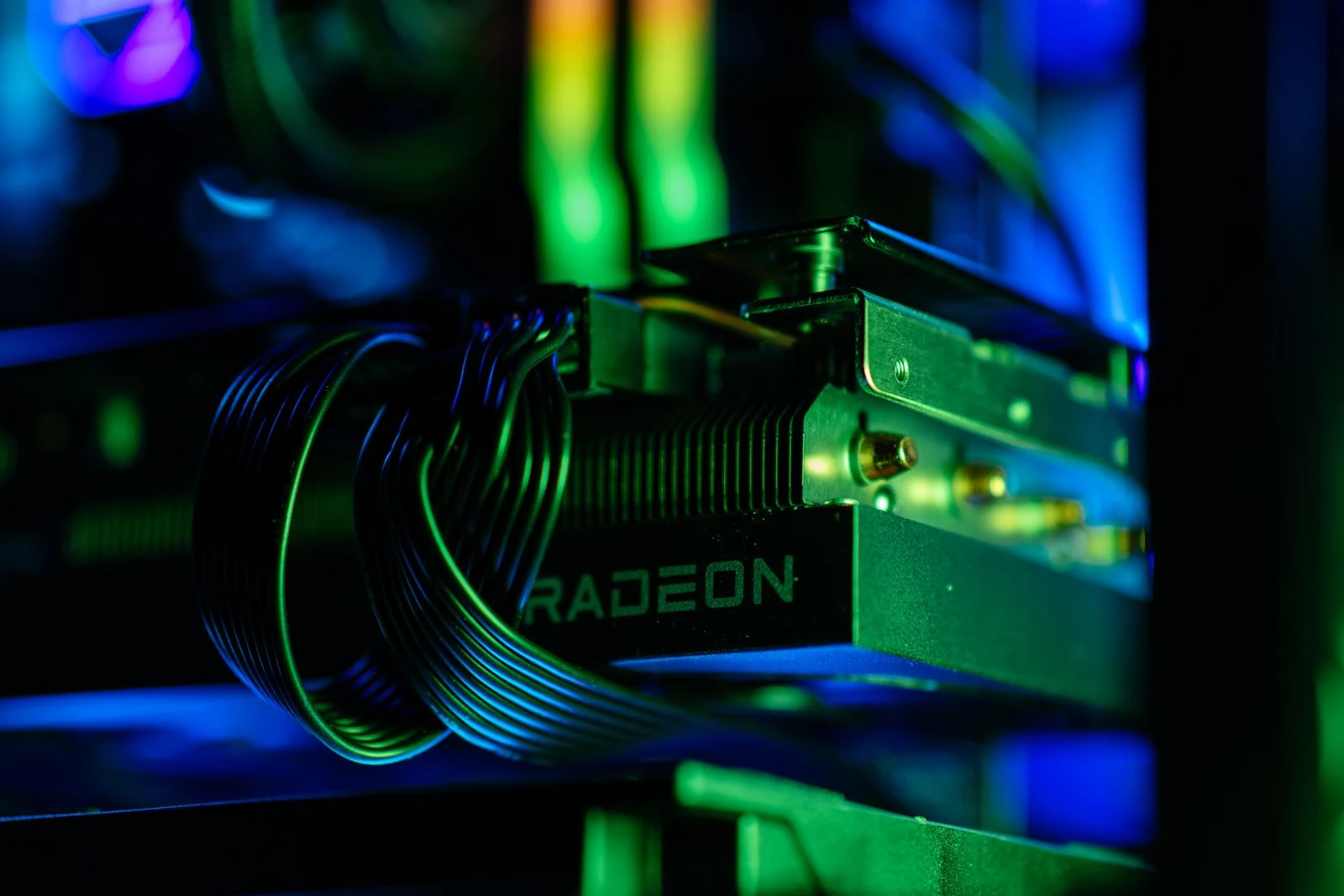
The AMD Radeon 9700 GRE is built for gamers who want serious 1080p and 1440p performance without paying flagship GPU prices. It uses a cut-down version of higher-tier RDNA 4 silicon to hit a more aggressive value point, but the 12GB VRAM configuration, 240W power draw, and weaker ray tracing position make it a card worth analyzing carefully.
AMD Radeon 9700 GRE Overview
The AMD Radeon 9700 GRE is a value-focused mid-range graphics card launched in 2026 for gamers who want strong 1080p and 1440p performance without stepping into flagship pricing. The GRE branding, short for Global Released Edition, points to a trimmed version of higher-tier silicon designed to offer a better performance-per-dollar balance.
In this case, the 9700 GRE is positioned as a cut-down version of the higher-tier 9070 silicon. That makes it a sweet-spot GPU rather than a full flagship product. The goal is simple: deliver enough RDNA 4 performance to compete with newer mid-range NVIDIA cards while also challenging older high-end GPUs like the RTX 3090 in rasterized gaming.
Specs and Architecture: RDNA 4 With a Few Trade-Offs
The Radeon 9700 GRE runs on AMD’s RDNA 4 architecture and includes dedicated upgrades for ray tracing and AI workloads. It features 48 RDNA 4 compute units, 48 third-generation ray tracing accelerators, and 96 second-generation AI accelerators.
- Architecture: RDNA 4
- Compute units: 48
- Ray tracing accelerators: 48 third-generation RT accelerators
- AI accelerators: 96 second-generation AI accelerators
- VRAM: 12GB
- Stock power draw: 240W
- Stock boost clock: Up to 2.79GHz
- Tuned boost clock: Up to 3.1GHz with undervolting and power limit tuning
The key compromise is memory. The previous Radeon 7900 GRE offered 16GB of VRAM, while the 9700 GRE drops to 12GB. That is still enough for most current 1440p gaming, but it does make the card feel less future-proof for heavy texture packs, demanding ray tracing modes, and poorly optimized PC ports.
Pricing and Market Position
The Radeon 9700 GRE has a listed MSRP of $549, placing it directly against the NVIDIA RTX 5060 Ti at $569 and below the RTX 5070 at $629 MSRP. Real-world partner models are expected to land closer to $579 to $629 depending on cooler design, factory overclocking, and availability.
That pricing makes the 9700 GRE most interesting for players upgrading from older high-end cards or previous-generation mid-range GPUs. It is not trying to be the fastest graphics card on the market. It is trying to offer high-end-feeling 1440p performance at a more reasonable price.
1440p Gaming Benchmarks
At 1440p, the Radeon 9700 GRE is strongest in traditional rasterized games. It delivers high frame rates in titles like Baldur’s Gate 3 and F1 2024, while more demanding games with ray tracing or heavy visual effects expose its limits.
- Baldur’s Gate 3 Ultra: 139 FPS
- F1 2024: 102 FPS
- Avatar: Frontiers of Pandora without upscaling: 65.1 FPS
- Cyberpunk 2077 RT Medium: 48.8 FPS
- Black Myth: Wukong: 41.2 FPS
These numbers make the card a strong fit for 1440p high-refresh gaming when ray tracing is not the main priority. In demanding titles, upscaling through FSR becomes more important, especially if you want smoother frame rates without lowering core visual settings too heavily.
Rasterization Is the 9700 GRE’s Strongest Area
In rasterization-heavy titles, the Radeon 9700 GRE can match or beat the older RTX 3090 despite launching at a much lower price point. Games like Borderlands 3 and Horizon Forbidden West show the card’s value clearly because they lean more on traditional rendering performance than advanced ray tracing.
This is where AMD’s value strategy makes the most sense. For players who care more about raw 1440p frame rates than premium ray tracing effects, the 9700 GRE delivers the kind of performance that used to require a much more expensive flagship GPU.
Ray Tracing Still Favors NVIDIA
RDNA 4 improves AMD’s ray tracing performance, but NVIDIA still remains roughly a generation ahead in RT acceleration. In practice, the Radeon 9700 GRE behaves closer to NVIDIA’s 40-series ray tracing level rather than matching the newer 50-series cards.
Cyberpunk 2077 at RT Medium averaging 48.8 FPS at 1440p shows the trade-off. The game is playable, but this is not the card to buy if ray tracing is your top priority. For smoother results, use balanced ray tracing settings, enable upscaling, or focus on rasterized presets.
1080p Gaming Benchmarks
At 1080p, the Radeon 9700 GRE has plenty of headroom. It is best suited for high-refresh monitors, esports-style responsiveness, and players who want ultra settings without worrying about frame rate dips in most games.
- Borderlands 3: 184 FPS
- Baldur’s Gate 3: 189.6 FPS
- Cyberpunk 2077 RT Medium: 78.1 FPS
The card is arguably more powerful than most 1080p-only gamers need. However, it makes sense if you use a 144Hz, 165Hz, or faster monitor and want enough performance overhead to keep games smooth for several years.
Is 12GB VRAM Enough for 1440p in 2026?
For most current 1440p games, 12GB of VRAM is still workable. The problem is not today’s average game. The concern is where PC games are heading, especially with ultra texture packs, ray tracing, open-world assets, and less consistent optimization.
The 12GB configuration is a clear downgrade from the 16GB Radeon 7900 GRE. That does not make the 9700 GRE a bad GPU, but it does mean buyers should treat it as a strong 1440p card rather than a long-term 4K card.
- 12GB is enough for most 1440p gaming today
- 16GB would have been better for long-term texture-heavy games
- 4K gaming is possible in lighter or well-optimized titles
- Demanding 4K games will usually need FSR or reduced settings
- Ray tracing increases VRAM pressure and should be tuned carefully
Power Draw and Efficiency
The Radeon 9700 GRE has a stock power draw of 240W. That level of power used to feel high-end, but it is now becoming normal for performance-focused mid-range GPUs.
This shows how the GPU market has shifted. Instead of massive efficiency gains every generation, modern cards often push higher power targets to reach stronger real-world performance. The 9700 GRE gives you excellent performance for the money, but it is not a low-power card.
Undervolting and Overclocking the Radeon 9700 GRE
The Radeon 9700 GRE responds well to tuning. With a -90mV undervolt and an increased power limit, the card can boost from its stock 2.79GHz range up to around 3.1GHz while pulling roughly 264W.
- Open AMD Adrenalin and go to the performance tuning section
- Apply a -90mV voltage offset
- Increase the power limit to allow more boost overhead
- Test stability in multiple demanding games or benchmarks
- Monitor temperatures, power draw, and clock speed behavior
- Reduce the offset if crashes, driver resets, or visual artifacts appear
This tuning method improves boost behavior without simply forcing more voltage through the GPU. The goal is to give the card more frequency headroom while keeping it stable and efficient enough for daily gaming.
Benchmark Testing Method
For consistent benchmark results, testing should include multiple runs. A single pass can be misleading because the first run often includes asset loading, shader compilation, or background variance that does not reflect steady performance.
- Run each benchmark at least five times
- Discard the first trial from each set
- Average the remaining runs
- Keep the same graphics settings across every test
- Record power draw, clock speed, and temperatures alongside FPS
This method gives a cleaner view of actual gaming performance and helps avoid overreacting to one unusually high or low result.
AMD AI Driver Bloat Warning
One annoyance with newer AMD drivers is the possible inclusion of local AI chat model features during installation. For most gamers, this is unnecessary driver bloat rather than a useful gaming feature.
When installing AMD Adrenalin drivers, choose the custom install path and check every optional component before continuing. If the installer includes an AMD AI chat or local model option, uncheck it to avoid installing background features you do not plan to use.
- Download the latest AMD Adrenalin driver package
- Choose Custom Install instead of the default installation path
- Look for any AMD AI chat or local AI model option
- Uncheck the AI feature if you only want gaming driver functionality
- Complete the driver installation
- Restart the system and confirm the driver is running normally
Radeon 9700 GRE vs RTX 3090
The Radeon 9700 GRE is especially interesting when compared with the RTX 3090. The RTX 3090 launched as a $1,500-class flagship, but in rasterization-heavy games, the $549 9700 GRE can consistently match or beat it.
That does not mean the 9700 GRE wins in every category. The RTX 3090 still has a much larger VRAM pool, and NVIDIA’s ray tracing ecosystem remains stronger. But for standard 1080p and 1440p gaming, the 9700 GRE makes many older flagship cards look inefficient from a value perspective.
Radeon 9700 GRE vs RTX 5060 Ti and RTX 5070
Against the RTX 5060 Ti, the Radeon 9700 GRE is positioned as the value-focused alternative with strong rasterized performance. Against the RTX 5070, it aims to sit below NVIDIA’s pricing while still offering enough 1440p performance to be competitive.
The decision depends on what you play. Choose the Radeon 9700 GRE if you mostly care about rasterized performance, 1440p value, and manual tuning. Consider NVIDIA if ray tracing, AI frame generation, or CUDA-based creator workloads matter more to your setup.
Can the Radeon 9700 GRE Handle 4K Gaming?
The Radeon 9700 GRE can handle 4K in lighter or well-optimized games, but it should not be treated as a true 4K-first GPU. Baldur’s Gate 3 and similar titles can run well at higher resolutions, but heavier games like Black Myth: Wukong need upscaling or reduced settings.
The best target for this GPU is 1440p. That is where its 12GB VRAM, 240W power profile, and RDNA 4 rasterization performance make the most sense.
- Best target: 1440p high settings
- Strong use case: 1080p high-refresh gaming
- Conditional use case: 4K in optimized or lighter games
- Not ideal for: Heavy 4K ray tracing without upscaling
Final Verdict
The AMD Radeon 9700 GRE is a strong value GPU for gamers who want excellent 1080p and 1440p performance without paying flagship prices. Its RDNA 4 architecture, strong rasterization results, and tuning potential make it one of AMD’s more interesting mid-range cards.
The downsides are clear. The 12GB VRAM configuration is a step back from the 7900 GRE, ray tracing still trails NVIDIA, and the 240W stock power draw is not especially efficient. The possible AMD AI driver bloat also means users should pay attention during installation.
Even with those compromises, the Radeon 9700 GRE delivers where it matters most for value-focused PC gamers. For 1440p rasterized gaming under the $600 to $630 range, it is a serious contender and a strong upgrade option for anyone still using older high-end hardware.
FAQ
GRE stands for Global Released Edition. It refers to a GPU variant designed around value-focused positioning, often using a cut-down version of higher-tier silicon.
Yes, 12GB is enough for most current 1440p games, especially with sensible texture settings. However, 16GB would be better for long-term use, heavy ray tracing, and ultra texture packs.
It depends on the workload. The 9700 GRE is strong in rasterized gaming and value positioning, while the RTX 5070 is likely stronger for ray tracing, AI features, and NVIDIA-specific technologies.
It can handle 4K in lighter or well-optimized games, but it is best treated as a 1440p gaming GPU. Demanding 4K games will usually need FSR or reduced settings.
A practical starting point is a -90mV undervolt combined with an increased power limit. This can help the card reach around 3.1GHz boost clocks while maintaining stability, but every GPU sample should be stress tested carefully.