Battlefield 6 PC Optimization Guide
Large-scale battles hammer both CPU and GPU with destruction, effects, and network load. Clean frametimes and low end-to-end latency keep recoil control, tracking, and peek-shoot timing consistent - whether you’re in infantry lanes or full-scale vehicle fights. This guide focuses on practical tweaks that produce immediate gains on real hardware.
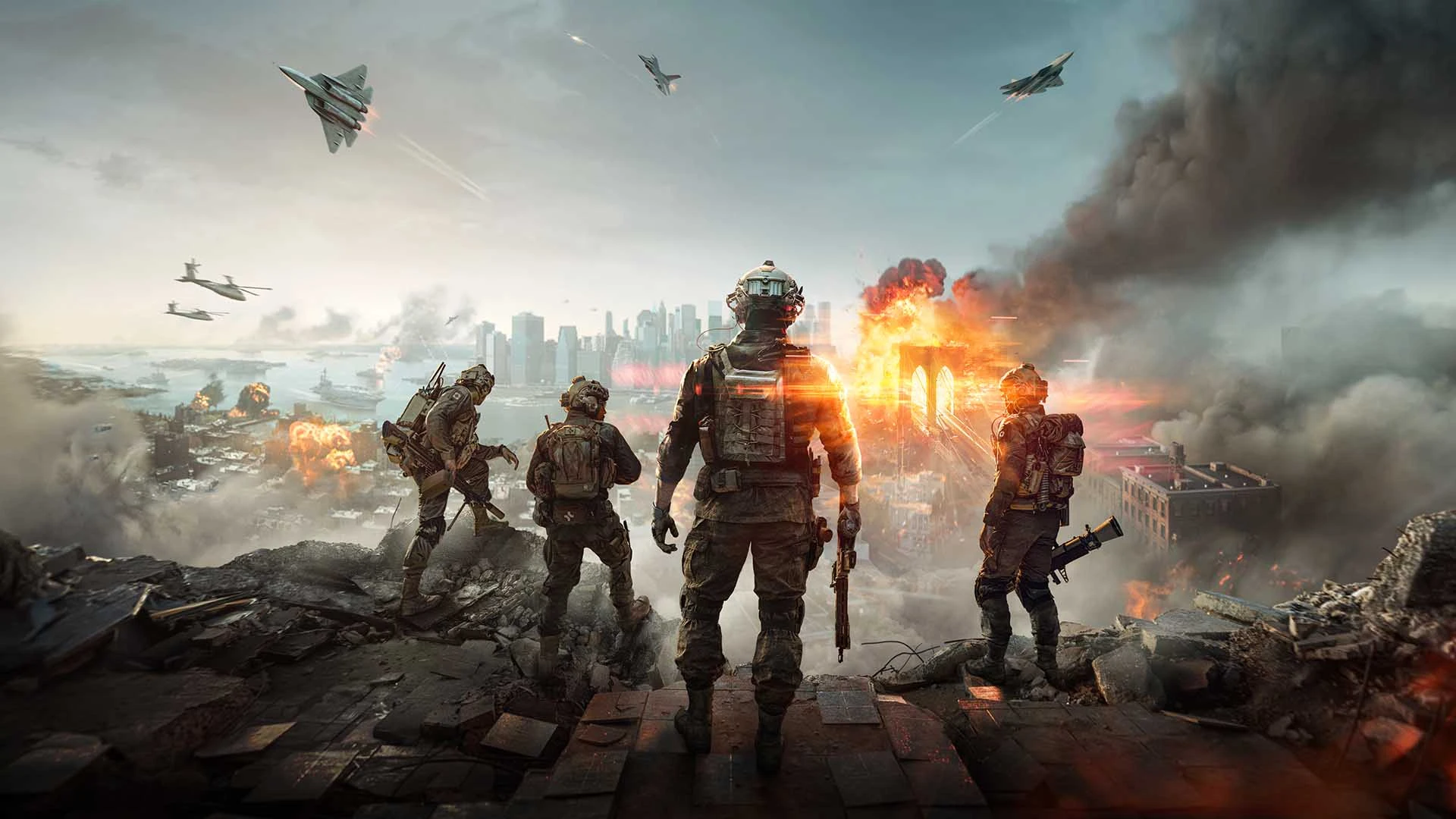
Best Battlefield 6 Settings & Competitive Config
HD OPTI tunes Battlefield 6 for high FPS and tight frame pacing on mid-range and high-end PCs. Our visibility-first preset trims heavy post-processing, volumetrics, and screen-space effects that cost a lot but add visual noise. The result: clearer target separation, cleaner motion during strafes and peeks, and steadier FPS in explosion-heavy moments.
Our BF6 config prioritizes responsiveness in chaotic firefights: faster camera response, smoother micro-adjustments, and reduced stutter when destruction, particle effects, and vehicle physics hit at once. Paired with driver-level and Windows optimizations, you’ll feel more consistent ADS timing and recoil control at at higher refresh rates.
HD OPTI’s input tools tighten mouse/controller behavior and polling to lower end-to-end delay. Expect snappier flicks, steadier tracking on strafing targets, and more reliable timing windows for tap-fire and burst control.
Experiencing rubber-banding, packet loss, or hit-reg weirdness? Our low-latency port forwarding guide helps establish cleaner routes to servers and can cut spikes during 64 - 128 player matches.
Ready to lock in stable frametimes for ranked and large-scale operations? Visit the store to choose between the Standard and Elite optimization packages. Unlock the BF6 profile, apply the system-level tweaks, and get back to winning the objective.
