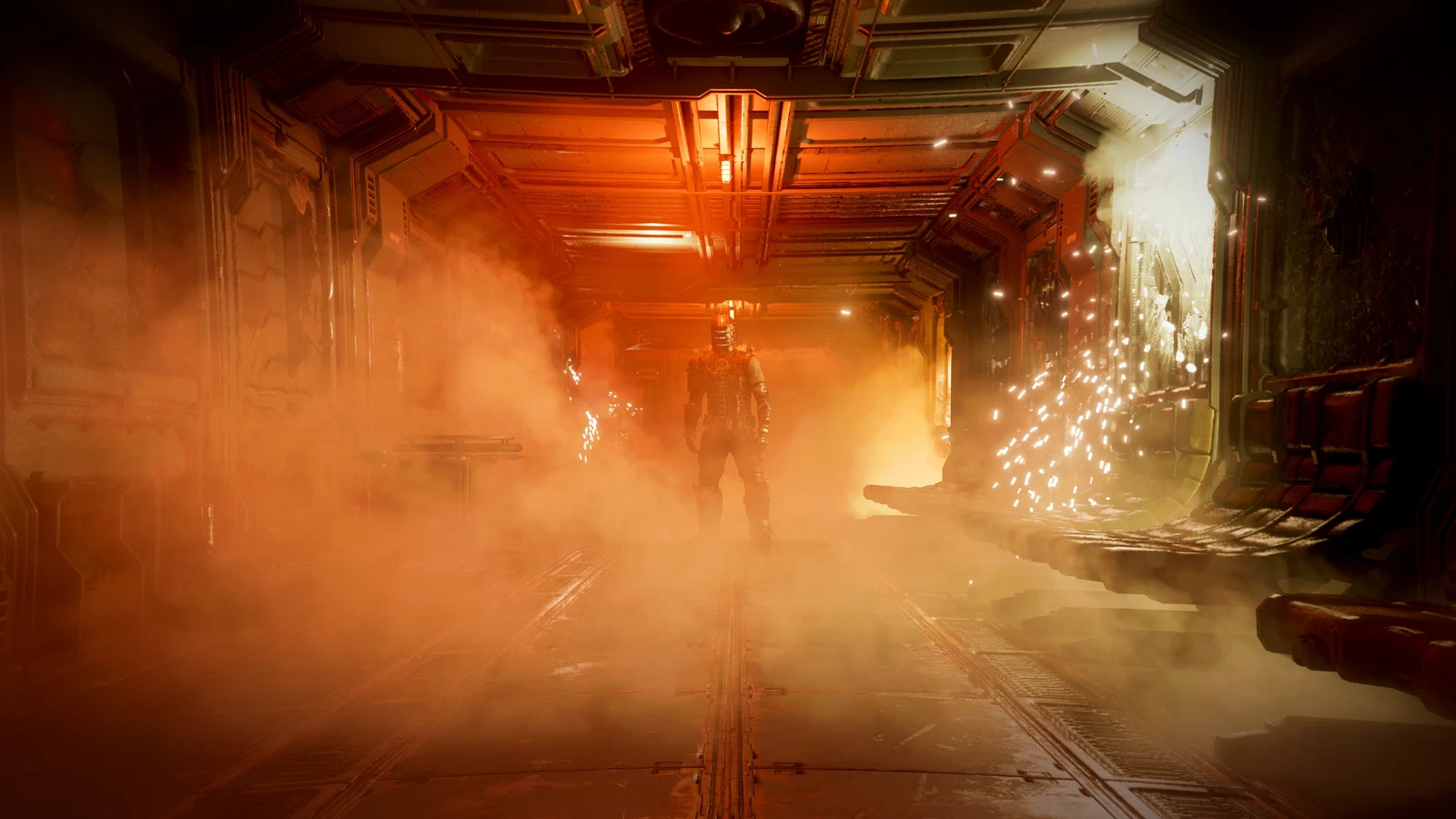
Dead Space Remake can deliver high frame rates while still hitching as you move through the Ishimura. The community-made Ishimura Patch targets GPU memory allocation during streaming, with encouraging independently reported results. Here is what the evidence supports and how to evaluate the beta on your own PC.
Why Dead Space can stutter despite high FPS
Average FPS describes overall rendering throughput. It can hide occasional slow frames that interrupt movement, making a game feel uneven even when its FPS counter looks healthy.
Traversal stutter describes hitching associated with moving through an environment. If a pause repeatedly appears around the same transition, record that location rather than judging performance while standing still.
Frame-time graphs show individual interruptions more clearly. The 1% and 0.1% low metrics summarise the slow end of a capture, although their calculation depends on the tool. Neither is a direct count of visible hitches.
High FPS but Game Still Stutters? How to Fix Frame Time Spikes
What the Ishimura Patch benchmark shows
In its 24 October 2026 report, Wccftech tested an approximately 30-second traversal using an Intel Core i7-14700K, NVIDIA GeForce RTX 4090 and CapFrameX. These are Wccftech's measurements, not HD OPTI benchmarks.
| Metric | Unmodified game | Ishimura Patch | Reported improvement |
|---|---|---|---|
| Average FPS | 292.8 | 305.3 | 4.3% |
| 1% low FPS | 83.9 | 157.6 | 87.8% |
| 0.1% low FPS | 35.7 | 98.6 | 176.2% |
The worst recorded frame reportedly fell from approximately 45 ms to 14 ms. The substantial change was in slow-frame behaviour, while average FPS increased modestly.
The headline 176% improvement refers to 0.1% low FPS. It does not mean 176% higher average FPS or 176% less stuttering. This short route also cannot establish full-campaign stability or the same improvement on other hardware.
Read Wccftech's benchmark and analysis
How the patch changes GPU memory allocation
The author's technical notes describe bursts of small D3D12 resource allocations at streaming boundaries. Making those resources resident, meaning available for GPU access, can block the requesting thread while memory operations complete.
Ishimura Patch redirects eligible allocations into larger, preallocated memory regions called heaps. Smaller resources share those regions through suballocation, reducing repeated allocation work during streaming bursts.
The implementation also describes background preparation of memory blocks and separate upload and readback pools. When an eligible resource is destroyed, its space returns to the pool; unsuccessful substitutions fall back to the original allocation path.
This explains why allocation overhead and synchronisation deserve attention alongside graphics settings. It does not establish that every traversal hitch has the same cause, or that storage speed and available VRAM no longer matter.
Explore the author's project and source code
How to install Ishimura Patch
Instructions checked on 26 October 2026 cover Windows beta version 0.3.10. The author lists Steam and EA App/EA Play support. Download from the author's page and check for newer instructions.
Download Ishimura Patch and read current release notes
- Close Dead Space.
- Extract ishimurapatch.asi, ishimurapatch.ini and dinput8.dll beside Dead Space.exe.
- When upgrading from 0.3.9 or earlier, replace the package files and remove the old patch-supplied winmm.dll.
- Launch the game and compare a repeatable route.
Settings and known issues
| Item | Recommendation | Reason |
|---|---|---|
| NVIDIA Smooth Motion | Disable | Reported crashes |
| MaxFps in ishimurapatch.ini | Keep at 0 | Feature unfinished |
| Low-VRAM DirectX crashes | Lower resolution or textures; close GPU-heavy applications | Reduce memory pressure |
The author particularly flags 8 GB cards at high settings, or high resolutions with OBS or a browser open. These mitigations do not guarantee stability. For bug reports, provide the log, INI and marks file through the author's reporting channel.
Removing the patch
Delete ishimurapatch.asi and ishimurapatch.ini. Remove dinput8.dll only if no other mod uses it.
How to check whether it helps your PC
The following is a suggested comparison method, not a completed HD OPTI test. Use consistent conditions so that changes in settings, caching or background activity do not obscure the result.
- Record your game build, patch version, driver, CPU, GPU, VRAM and graphics settings.
- Choose a save and route with clear start and finish points. Include the transitions where you notice hitching.
- Keep resolution, upscaling, frame generation and frame caps consistent between comparisons.
- Separate first-traversal captures from repeated runs. Do not mix different warm-up conditions.
- Capture at least three matched runs per condition and compare the variation as well as the averages.
- Inspect frame-time traces alongside average FPS, 1% lows and 0.1% lows.
- Check for crashes, delayed assets or other gameplay problems beyond the benchmark route.
Keep background applications and overlays consistent too. If you investigate their effect, make that a separate comparison rather than changing them midway through the patch test.
How Discord, Nvidia, and Other Overlays Affect FPS & Latency
Metrics worth recording
| Measurement | What to inspect |
|---|---|
| Average FPS | Overall rendering throughput |
| 1% and 0.1% lows | Slow-frame behaviour using the same tool and metric |
| Frame-time graph | Location, size and repetition of spikes |
| Frames above 33, 50 and 100 ms | Counts of longer frames across equal capture durations |
| VRAM usage and budget | Memory conditions around transitions |
| Stability | Crashes, missing assets and other regressions |
The spike thresholds above are proposed diagnostic markers, not published Ishimura Patch results. VRAM usage alone cannot prove why a frame stalled, and a short capture may produce unstable low-percentile figures.
What still needs testing
HD OPTI has not independently benchmarked the patch. The available research does not establish a broad GPU compatibility matrix, repeat-run variation across systems, or full-campaign reliability.
A useful follow-up would compare the same route on several VRAM capacities, then test texture settings and resolution separately. SATA SSD versus NVMe testing could explore storage sensitivity, but no controlled result is available here.
Judge the patch by repeatable improvements in frame delivery and reliable gameplay on your system. A stronger benchmark score is only useful if the game remains stable.
FAQ
No. It is a community modification by lukeman3000.
It describes the improvement in Wccftech's 0.1% low metric. Average FPS improved by 4.3% in that test.
Yes. An average can conceal isolated slow frames. Inspect the frame-time graph and repeat the same route to understand those interruptions.
That has not been established. The evidence supports investigating this particular streaming-related problem, while other causes of uneven performance may remain.
Keep the initial comparison consistent. Once you understand the patch's effect, investigate individual settings separately.