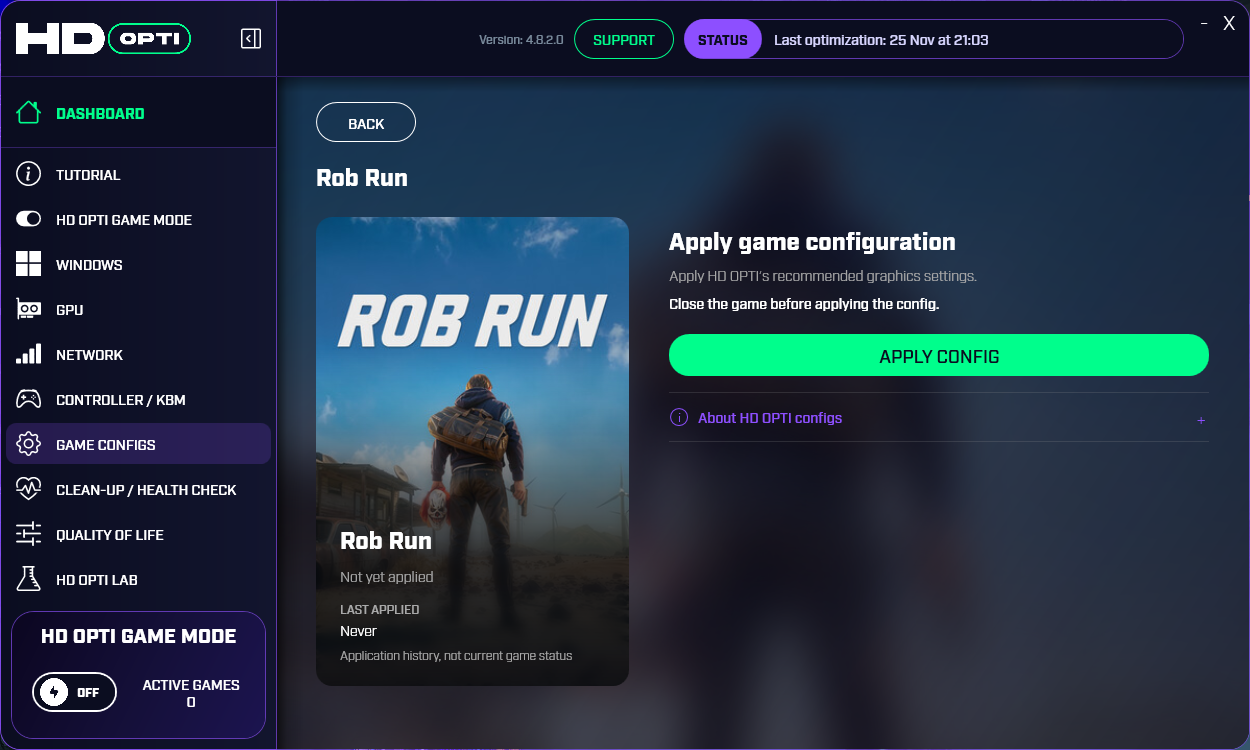
HD OPTI’s ROB RUN config applies recommended PC graphics settings with one button. In the app, open Game Configs, select Rob Run and close the game before selecting APPLY CONFIG.
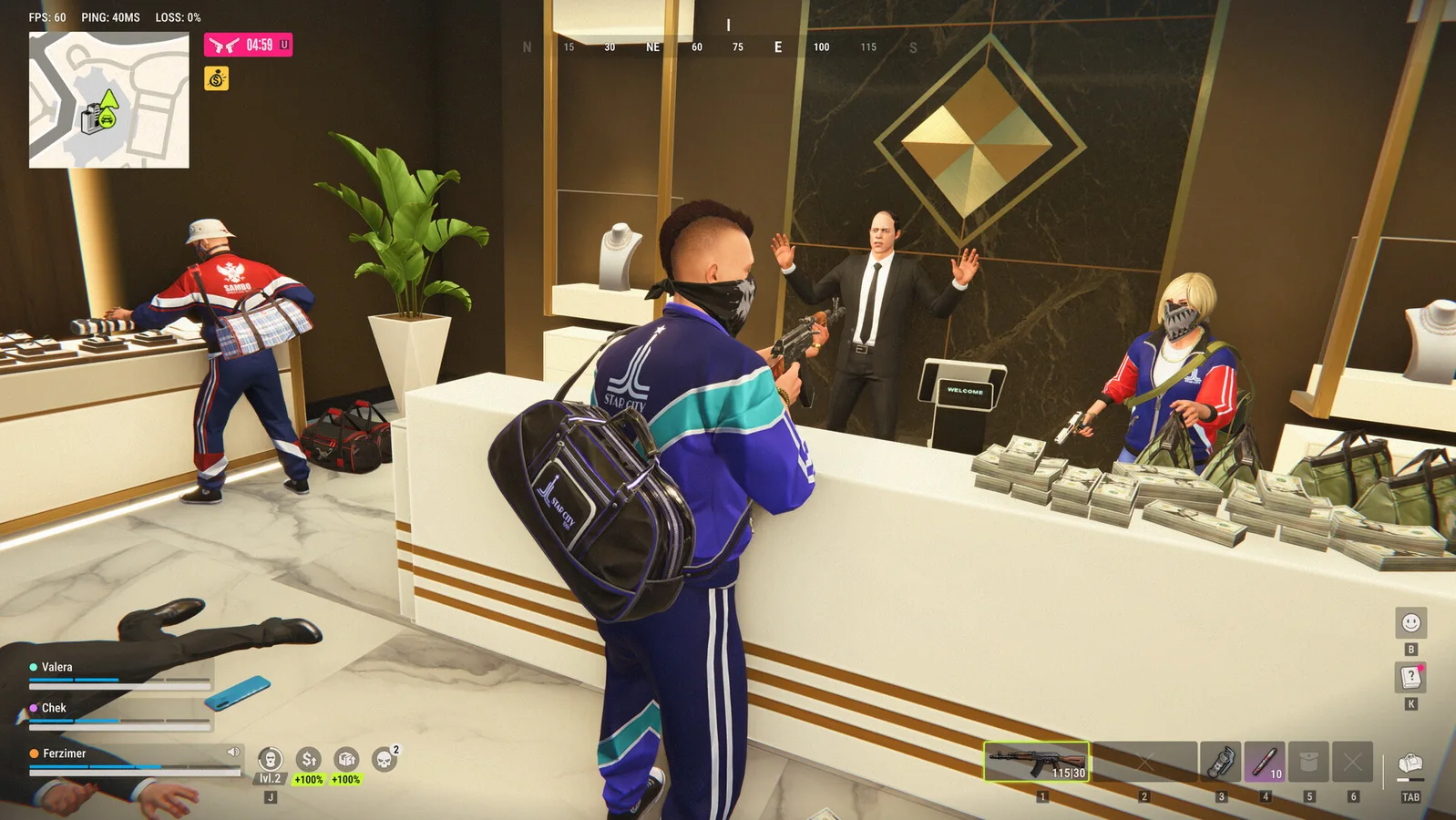
Before changing settings, take a short drive through Looty Bay. Pick a street where you usually notice a hitch and watch your FPS as you turn the corner. You can use the same drive to check how the HD OPTI config feels on your PC.
How to apply the ROB RUN configuration
If Rob Run is missing from your library, check your app version. HD OPTI added the config on 9 November 2026. Read the 4.7.11.0 release notes.
ROB RUN minimum and recommended PC requirements
- Minimum CPU
- Core i5-6600K or Ryzen 5 1600
- Recommended CPU
- Core i5-9600K or Ryzen 5 3600
- Minimum GPU
- GTX 1050 Ti, RX 580 or Arc A380
- Recommended GPU
- RTX 2070, RX 5700 XT or Arc B570
- Minimum memory
- 12 GB RAM
- Recommended memory
- 16 GB RAM
Both tiers call for 64-bit Windows 10 or later, DirectX 11, broadband and 20 GB of available storage. View the requirements on Steam.
To check your own hardware in Windows, open Task Manager and select Performance. Compare the model names under CPU and GPU with the list above, then check your installed memory. On a laptop with two GPUs, look up the dedicated GPU as well. Steam lists hardware tiers without specifying a resolution or target FPS, so use your usual display settings for the first run.
How to test ROB RUN FPS and stutter in Looty Bay
Repeat your drive at the same resolution. Watch the buildings as you turn the camera. A hitch can still be visible even when the average FPS looks good. If your overlay shows frame times, look for spikes at the corner you picked. Try a second pass with similar player traffic before judging the result.
What to look for in a frame-time graph
At 60 FPS, an evenly paced frame takes about 16.7 milliseconds. At 120 FPS, it takes about 8.3 milliseconds. If most frames take around 16 milliseconds and one takes 50, that single pause can make a turn feel jerky. Compare the spikes at the same corner before and after applying the config. Note your resolution and FPS cap alongside each result so you can repeat the test.
What to try if FPS stays low
If FPS stays below your target for the whole drive, try one pass at a lower resolution with the same FPS cap. A consistent improvement suggests that reducing the number of pixels your GPU renders helps in that scene. If FPS barely changes, restore your usual resolution and compare a quiet street with a busy intersection. Record where the slowdown begins before changing another setting.
Why do other players jump ahead when my FPS looks steady?
Watch the street and the other player at the same time. If buildings scroll smoothly as you turn but another player suddenly jumps forward, delayed online updates are one possible cause. Check whether the same thing happens in another session. For help reading those symptoms, see the guide to frame times, input delay and server updates.
How to check whether the ROB RUN config was applied
Open Rob Run in Game Configs and look under Last applied on the game card. In the screenshot, the card reads Not yet applied and the history reads Never. After applying the config, return to this card to check when HD OPTI recorded the action. The timestamp records application history. If you later edit graphics settings inside ROB RUN, use the in-game menu to check your current choices.